1. הקדמה
Welcome to the EKASN Portable Movie Projector MP02 user manual. This guide provides essential information to help you set up, operate, and maintain your projector for an optimal home entertainment experience. Please read this manual thoroughly before using the product and retain it for future reference.
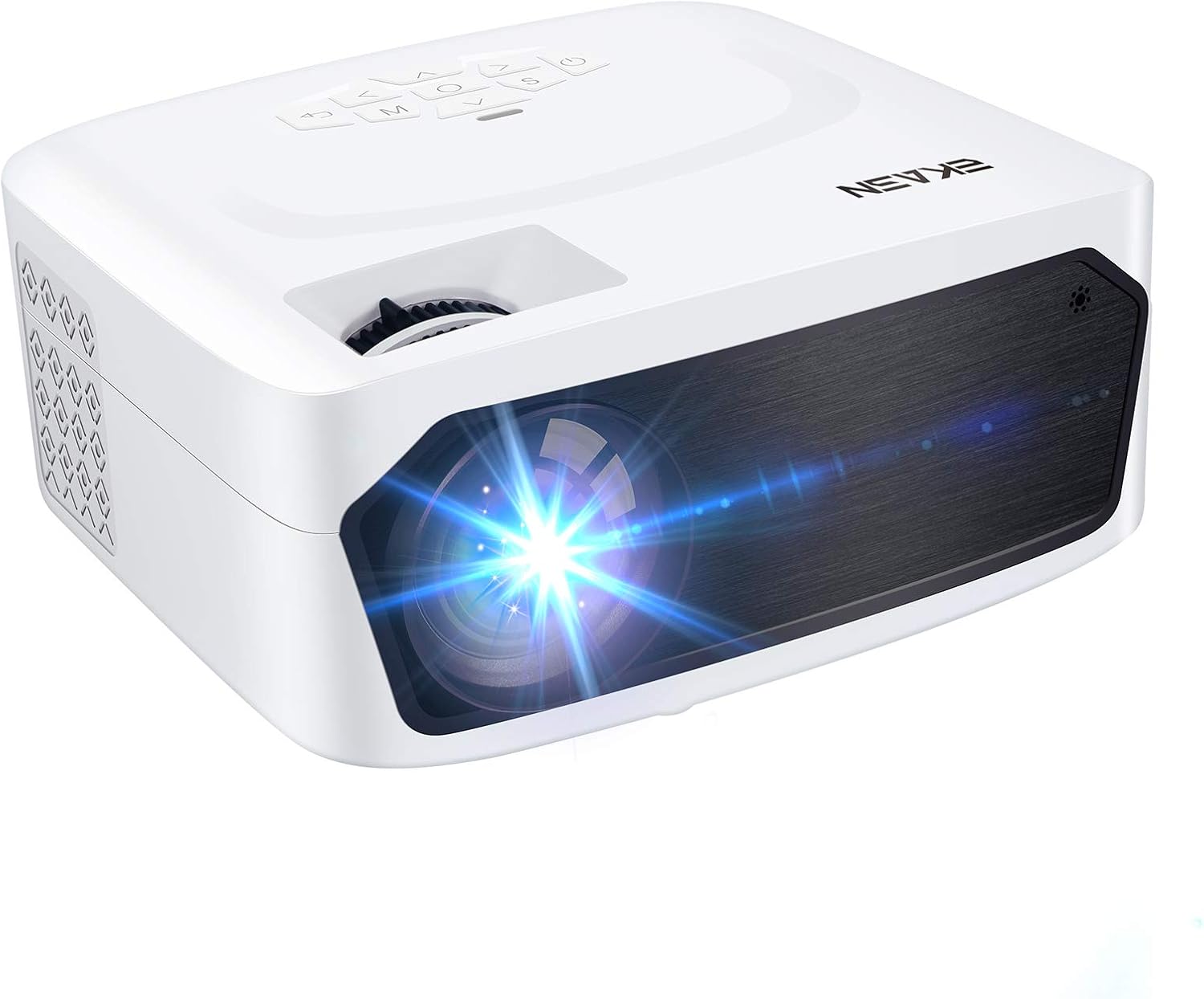
Image 1.1: The EKASN Portable Movie Projector MP02, a compact and versatile device designed for home theater and outdoor entertainment.
2. הוראות בטיחות חשובות
- אין לחסום את פתחי האוורור. יש לוודא מרווח מספיק סביב המקרן לזרימת אוויר תקינה.
- אל תחשוף את המקרן לגשם או לחות כדי למנוע שריפה או התחשמלות.
- השתמש רק בתוספות/אביזרים שצוינו על ידי היצרן.
- נתק את המקרן מהחשמל במהלך סופות ברקים או כאשר אינו בשימוש למשך תקופות ארוכות.
- הפנה כל טיפול לצוות שירות מוסמך.
- הימנע מלהסתכל ישירות לתוך עדשת המקרן כאשר ה-lamp פועל.
3. תכולת החבילה
אנא סמן את התיבה עבור הפריטים הבאים:
- EKASN Portable Movie Projector MP02
- כבל חשמל
- שְׁלַט רָחוֹק
- כבל HDMI
- כבל AV
- מדריך למשתמש
4. המוצר נגמרview
Familiarize yourself with the various parts and functions of your EKASN projector.

Image 4.1: This image highlights the flexible adjustment features of the EKASN projector, including the keystone correction and focus adjustment dials, which are crucial for achieving vivid and clear images.
מרכיבי המפתח כוללים:
- עֲדָשָׁה: מקרין את התמונה על המסך.
- טבעת מיקוד: מכוונן את בהירות התמונה.
- תיקון אבן מפתח: מתקן עיוות טרפזי של התמונה.
- לוּחַ בַּקָרָה: כפתורים לניווט והגדרות.
- יציאות קלט: HDMI, VGA, AV, USB for connecting various devices.
- רמקול מובנה: מספק פלט אודיו.
5. התקנה
5.1 מיקום
Place the projector on a stable, flat surface. Ensure the projector is positioned directly in front of the projection surface (wall or screen) for best results. The optimal projection distance ranges from 3.9ft to 8.2ft, providing a screen size from 50" to 120".

Image 5.1: This illustration demonstrates the adjustable big projection screen capability of the EKASN projector, showing various screen sizes achievable at different projection distances.
5.2 חיבור מתח
- חבר את כבל החשמל לכניסת החשמל של המקרן.
- חבר את הקצה השני של כבל החשמל לשקע חשמל.
- לחץ על לחצן ההפעלה במקרן או בשלט רחוק כדי להפעיל אותו.
5.3 כוונון מיקוד ועקיבה
לאחר ההפעלה, כוונן את המיקוד ותיקון הטרנסג'נדר לקבלת תמונה מלבנית ברורה.
- מוֹקֵד: סובבו את טבעת המיקוד שעל עדשת המקרן עד שהתמונה תיראה חדה וברורה.
- אֶבֶן רֹאשָׁה: Use the keystone correction dial to adjust the image if it appears trapezoidal (wider at the top or bottom).
6. הוראות הפעלה
6.1 חיבור התקנים
The EKASN MP02 projector supports multiple input sources:

Image 6.1: This image illustrates the broad compatibility of the EKASN projector, showing connections to smart phones/tablets, DVD players, Chromecast, Fire TV, PS4, flash drives, and external audio systems.
- HDMI: Connect your laptop, game console (PS4, Xbox), Fire TV Stick, or other HDMI-enabled devices using an HDMI cable. Select 'HDMI' as the input source.
- VGA: Connect older computers or devices using a VGA cable. Select 'VGA' as the input source.
- AV: Use the included AV cable to connect devices with RCA outputs (e.g., DVD players). Select 'AV' as the input source.
- USB: הכנס כונן הבזק מסוג USB כדי להפעיל מדיה files (videos, photos, music). Select 'USB' as the input source and navigate to your files.
6.2 Screen Mirroring (via HDMI)
To mirror your smartphone screen, an additional adapter is required (not included):

Image 6.2: This image demonstrates the screen mirroring capability of the EKASN projector, showing how to connect an iPhone (with a Lightning to HDMI adapter) and an Android phone (with a Micro USB/Type C to HDMI adapter) to the projector for displaying content.
- לאייפון: Use a Lightning to HDMI adapter.
- עבור טלפון אנדרואיד: Use a Micro USB/Type C to HDMI adapter.
Connect the adapter to your phone, then connect an HDMI cable from the adapter to the projector. Select 'HDMI' as the input source.
6.3 פלט שמע
The projector features a built-in stereo speaker for convenient audio playback. For enhanced sound quality, you can connect external speakers or headphones using the 3.5mm audio output jack.
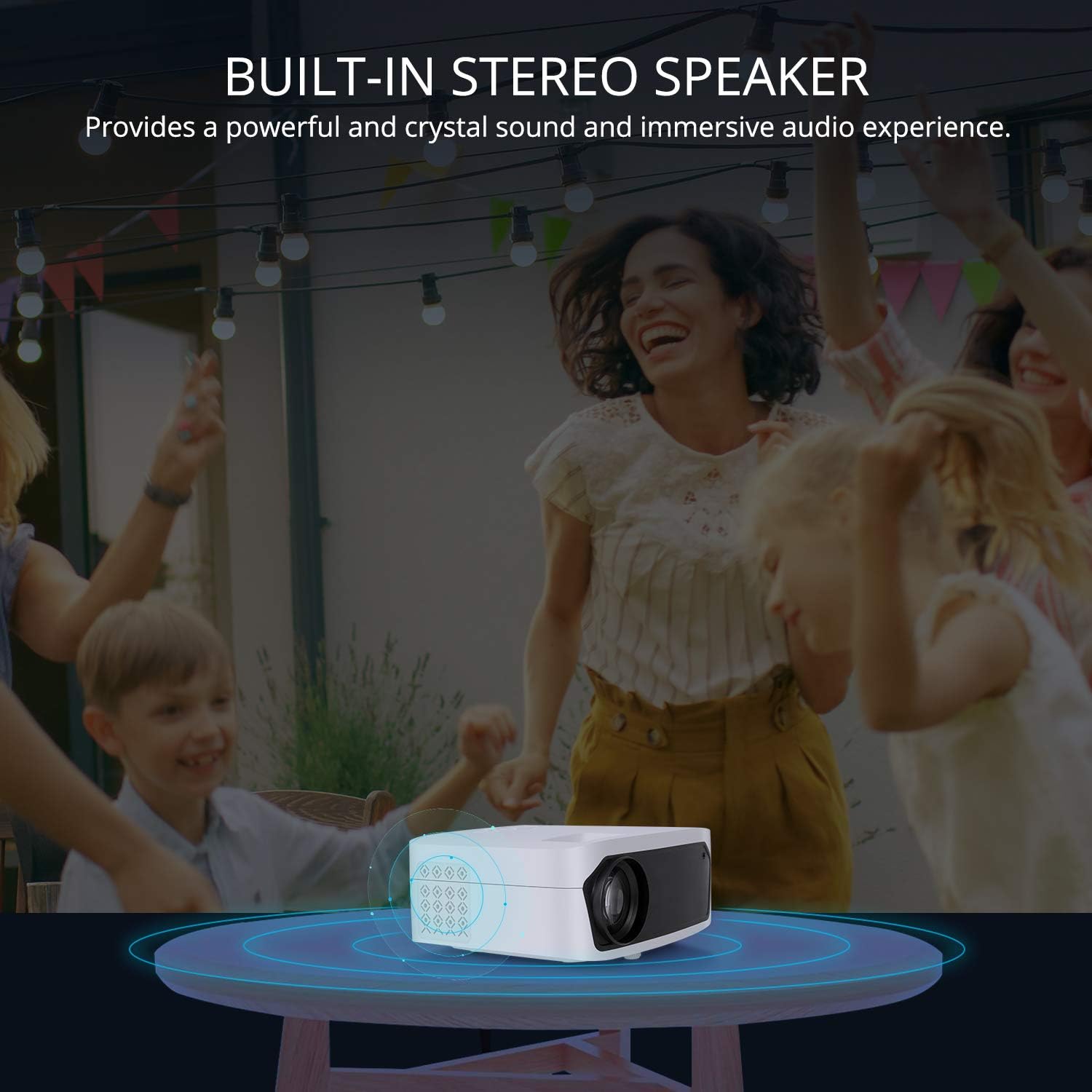
Image 6.3: This image illustrates the built-in stereo speaker feature of the EKASN projector, emphasizing its ability to provide powerful and clear sound for an immersive audio experience.
7. תחזוקה
- ניקוי עדשות: השתמשו במטלית רכה ונטולת סיבים או בנייר ניקוי עדשות כדי לנגב בעדינות את עדשת המקרן. הימנעו מחומרים שוחקים או כימיקלים חזקים.
- אוורור: Regularly check and clean the ventilation openings to prevent dust buildup, which can affect performance and lifespan. Use a soft brush or compressed air.
- אִחסוּן: כאשר המקרן אינו בשימוש, יש לאחסן אותו במקום קריר ויבש, הרחק מאור שמש ישיר וטמפרטורות קיצוניות.
8. פתרון תקלות
| בְּעָיָה | סיבה אפשרית | פִּתָרוֹן |
|---|---|---|
| אין תמונה על המסך | Incorrect input source selected; Loose cable connection; Power issue. | Select the correct input source (HDMI, VGA, AV, USB). Check all cable connections. Ensure the projector is powered on. |
| התמונה מטושטשת | המיקוד לא מותאם; המקרן קרוב/רחוק מדי מהמסך. | Adjust the focus ring on the lens. Adjust projection distance. |
| התמונה היא טרפזית | קיסטון לא מותאם; המקרן אינו ניצב למסך. | Adjust the keystone correction dial. Reposition the projector. |
| אין קול | עוצמת קול נמוכה מדי; מושתק; התקן שמע חיצוני אינו מחובר כראוי. | Increase volume. Unmute the projector. Check external audio connections. |
| השלט רחוק לא עובד | סוללות חלשות/ריקות; חסימה בין השלט למקרן. | Replace batteries. Ensure no obstructions and point remote directly at the IR receiver. |
9. מפרטים
| תכונה | פְּרָט |
|---|---|
| מותג | EKASN |
| מספר דגם | MP02 |
| רזולוציית תצוגה | 1920 x 1080 (תמיכה ב-Full HD) |
| טכנולוגיית קישוריות | HDMI, USB, VGA, AV |
| תכונות מיוחדות | רמקול מובנה, נייד |
| סוג רמקול | מובנה, סטריאו |
| משקל פריט | 3.23 פאונד |
| מידות חבילה | 11.42 x 8.23 x 4.92 אינץ' |
| צֶבַע | לָבָן |
| שימושים מומלצים | בידור ביתי |
10. אחריות ותמיכה
EKASN products are designed and manufactured to the highest quality standards. For information regarding warranty coverage, technical support, or service inquiries, please refer to the warranty card included in your package or visit the official EKASN webאֲתַר.
For further assistance, please contact EKASN Customer Service:
- Webאֲתַר: www.ekasn.com (placeholder)
- אֶלֶקטרוֹנִי: support@ekasn.com (placeholder)