
מָבוֹא
The Picun Elite P80S Wireless Headset provides a high-definition audio experience with multidimensional surround sound, extra bass, and noise reduction. Designed for comfort and versatility, it features both wireless and wired connectivity options, a detachable microphone, and intuitive controls. This manual provides detailed instructions for setup, operation, maintenance, and troubleshooting to ensure optimal performance of your headset.
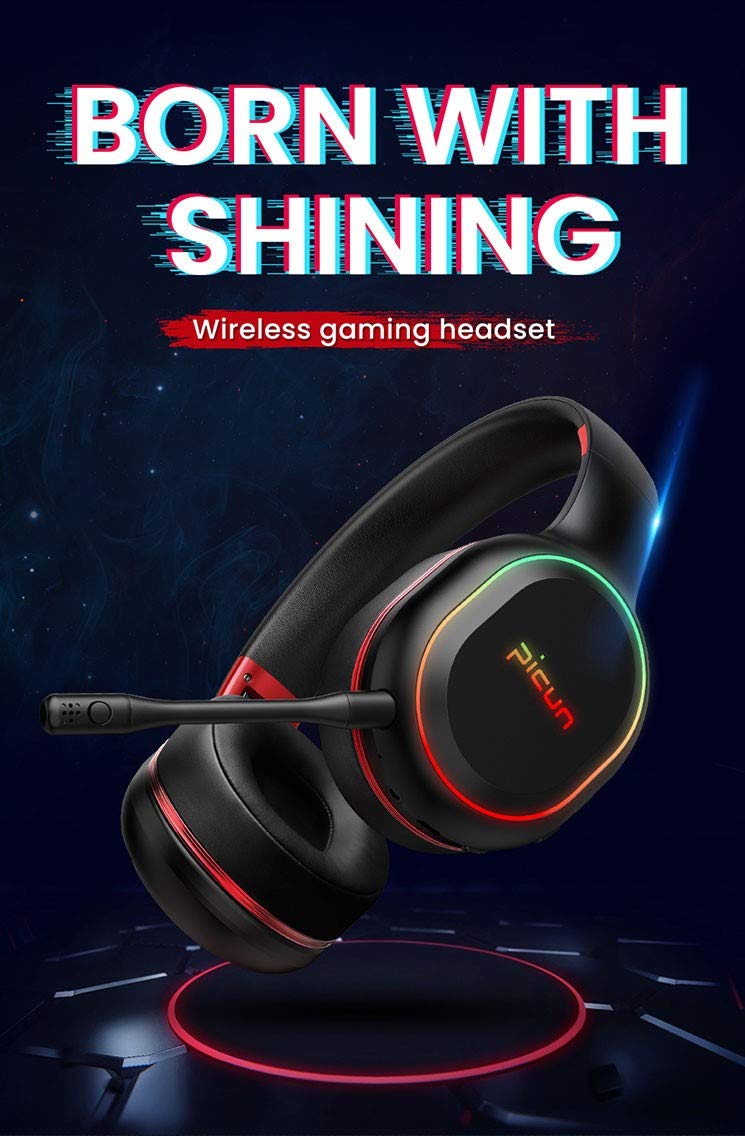
Image: The Picun Elite P80S Wireless Headset, showcasinהעיצוב והמיקרופון המשולב שלו.
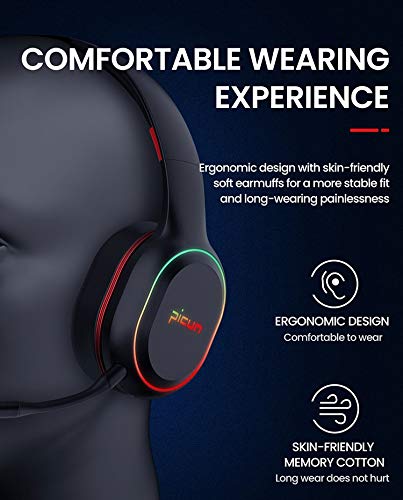
Image: The Picun Elite P80S Headset demonstrating its ergonomic design and comfortable earcups made from skin-friendly memory cotton.
מה יש בקופסה
אנא ודא שכל הפריטים נמצאים בחבילה:
- Picun Elite P80S Wireless Headset
- מיקרופון נתיק
- כבל טעינה USB
- כבל אודיו 3.5 מ"מ AUX
- מדריך למשתמש (מסמך זה)
הגדרה
1. טעינת האוזניות
Before initial use, fully charge the headset. Connect the provided USB charging cable to the headset's charging port and to a compatible USB power source (e.g., computer USB port, USB wall adapter). The LED indicator will show charging status and turn off or change color when fully charged.
A full charge provides approximately 40 hours of game time or 60 hours of music/media playback in wireless mode.
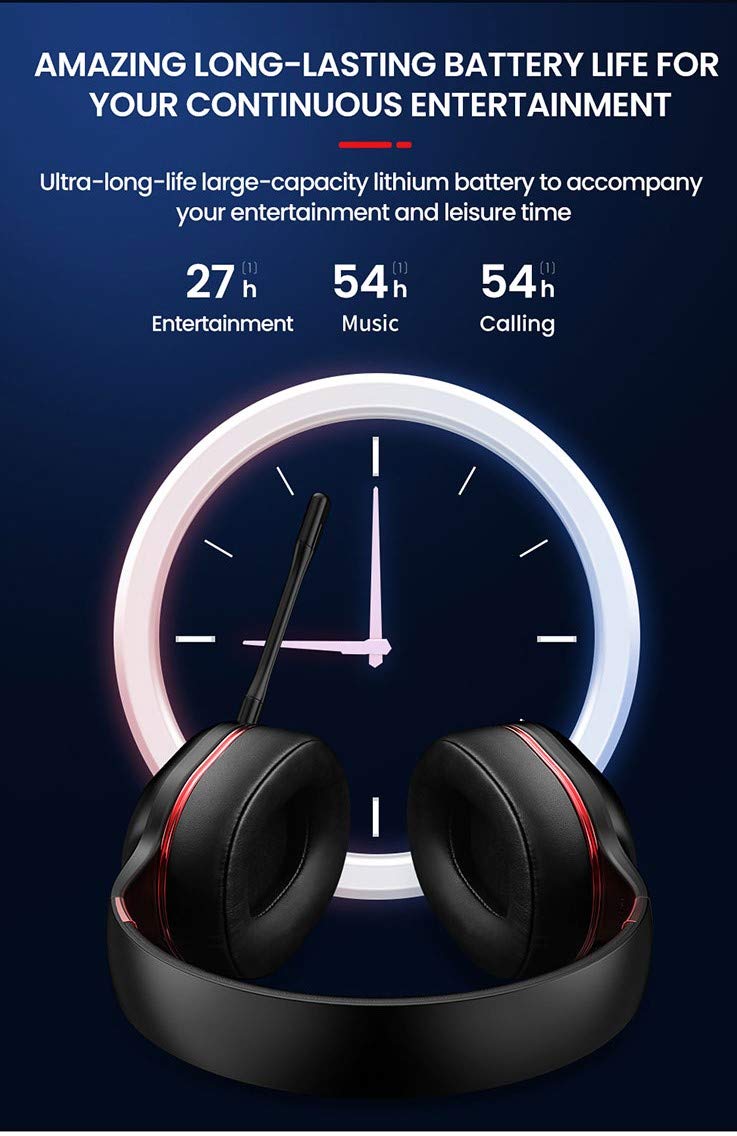
Image: Picun Elite P80S Headset illustrating long battery life for entertainment, music, and calls.
2. חיבור המיקרופון
The professional detachable microphone can be inserted into the designated port on the left earcup. Ensure it is securely connected for clear voice communication. The microphone can be rotated 360 degrees for optimal positioning.
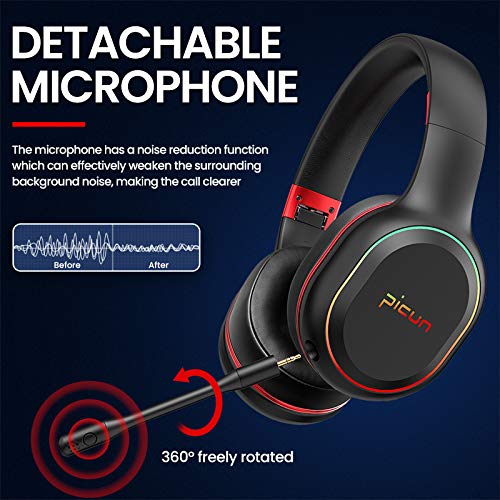
Image: Picun Elite P80S Headset showing the detachable microphone and its 360-degree rotation capability.
הוראות הפעלה
1. הפעלה/כיבוי
- הפעלה: לחץ והחזק את לחצן ההפעלה למשך כ-3 שניות עד שנורית ה-LED תידלק.
- כיבוי: לחץ והחזק את לחצן ההפעלה למשך כ-3 שניות עד שנורית ה-LED יכבה.
2. צימוד Bluetooth (מצב אלחוטי)
After powering on, the headset will automatically enter pairing mode (LED indicator will flash). On your device (smartphone, PC, console), enable Bluetooth and search for "Picun Elite P80S". Select it to connect. A voice prompt will confirm successful pairing. The headset maintains a stable connection up to 10 meters.

Image: Diagram illustrating the stable and instant connection features of the Picun Elite P80S headset, highlighting 10-meter transmission, audio/video synchronization, call stability, and no in-game delay.
3. Wired Mode (AUX Connection)
To use the headset in wired mode, connect the provided 3.5mm AUX audio cable to the headset's AUX port and to your audio source. Wired mode allows for indefinite playback regardless of battery charge. The headset functions as a passive headphone in wired mode.
4. שימוש במיקרופון
- Detachable Pro Microphone: Provides high-definition vocals and effectively reduces ambient noise for clear communication during gaming or calls.
- Inbuilt Microphone: An additional microphone is integrated for general use, ensuring seamless communication even without the detachable mic.
5. תכונות אודיו
The Picun Elite P80S provides omnidirectional stereo sound, allowing for an immersive audio experience, especially beneficial for gaming to detect subtle sound cues.
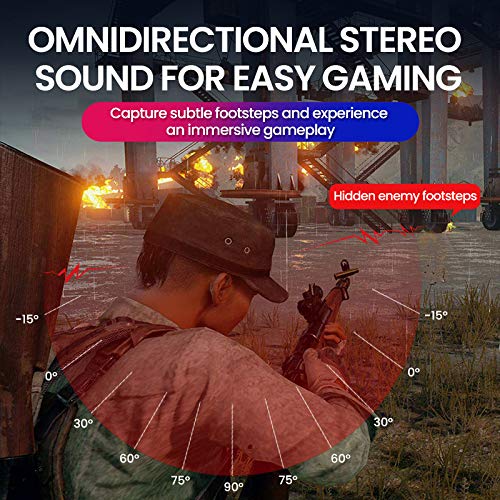
Image: A gaming scenario demonstrating the omnidirectional stereo sound capability, helping users identify sound sources like footsteps from various directions.
6. בקרות מדיה
The headset features integrated buttons for easy control:
- הפעל/השהה: Press the Multi-function button once to play or pause music/videos.
- מענה/סיום שיחה: Press the Multi-function button once to answer an incoming call, and again to end it.
- בקרת עוצמת הקול: השתמשו בכפתורי הגברת עוצמת הקול (+) והנמכת עוצמת הקול (-) כדי לכוונן את עוצמת השמע.
- הרצועה הבאה / הקודמת: Long press Volume Up (+) for next track, Long press Volume Down (-) for previous track.
7. Dual Shock / Vibration Mode
Activate the Dual Shock / Vibration Mode for an enhanced immersive experience, particularly for deep bass in music and movies, or realistic vibrations during gaming. This mode can be toggled on or off using the dedicated switch on the headset.
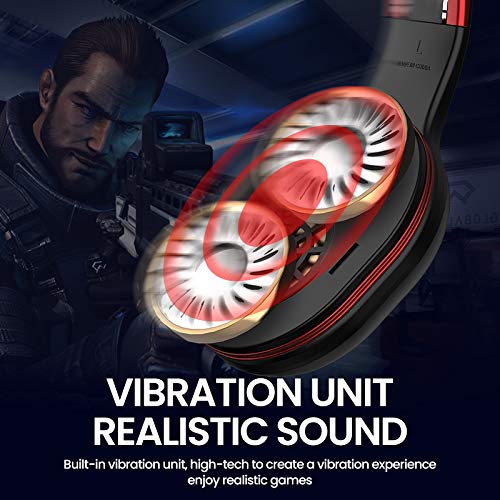
Image: Close-up of the Picun Elite P80S earcup highlighting the built-in vibration unit for realistic sound and gaming experience.
8. LED Light Display
The headset features a gradient colorful breathing light display. To turn the LED lights on or off, press and hold both the Volume Up (+) and Volume Down (-) buttons simultaneously for approximately 3 seconds.

Image: Picun Elite P80S Headset showcasing its gradient colorful breathing light effect, with instructions on how to activate/deactivate it.
תַחזוּקָה
- ניקוי: השתמשו במטלית רכה ויבשה לניקוי האוזניות. אין להשתמש בחומרי ניקוי שוחקים או ממסים.
- אִחסוּן: יש לאחסן את האוזניות במקום קריר ויבש, הרחק מאור שמש ישיר וטמפרטורות קיצוניות. העיצוב המתקפל מאפשר אחסון קומפקטי.
- טיפול בסוללה: כדי להאריך את חיי הסוללה, הימנעו מפריקה מלאה של האוזניות לעתים קרובות. טען אותן באופן קבוע, גם אם אינן בשימוש למשך פרקי זמן ממושכים.
- טיפול בכבלים: טפלו בכבלים בעדינות. הימנעו מכיפופים חדים או משיכה מוגזמת כדי למנוע נזק.
פתרון בעיות
No Power / Headset Not Turning On
- Ensure the headset is fully charged. Connect it to a power source using the USB charging cable.
- Verify that the power button is pressed and held for the correct duration (approx. 3 seconds).
לא ניתן לזווג דרך בלוטות'
- Make sure the headset is in pairing mode (LED flashing). If not, power it off and on again.
- ודא ש-Bluetooth מופעל במכשיר שלך ושהוא נמצא בטווח של 10 מטרים מהאוזניות.
- Remove "Picun Elite P80S" from your device's Bluetooth list and attempt to pair again.
- נסה להתאים את המכשיר למכשיר אחר כדי לשלול בעיות ספציפיות למכשיר.
אין צליל / עוצמת קול נמוכה
- בדוק את עוצמת הקול הן באוזניות והן במכשיר המחובר.
- If in wired mode, ensure the 3.5mm AUX cable is fully inserted into both the headset and the audio source.
- If in wireless mode, ensure the headset is properly paired and connected.
- בדוק עם מקורות שמע או יישומים שונים.
המיקרופון לא עובד
- Ensure the detachable microphone is securely plugged into the headset.
- Check microphone settings on your connected device (e.g., input device selection, volume levels).
- Test the microphone in different applications or communication platforms.
One Earpiece Not Working
- בדוק את הגדרות איזון השמע במכשיר המחובר שלך.
- If using the AUX cable, ensure it is fully inserted and try a different cable if available.
- הפעל מחדש את האוזניות ואת המכשיר המחובר.
מפרטים
| מותג | פיקון |
| שם הדגם | Elite P80S |
| צֶבַע | שָׁחוֹר |
| גורם צורה | מעל אוזן |
| בקרת רעש | ביטול רעשים אקטיבי |
| שקע אוזניות | 3.5 מ"מ ג 'ק |
| חומר המארז | דמוי עור |
| מכשירים תואמים | Personal Computers/Laptops, Playstations/ X-box/ Nintendo Switch, Smartphones/Pads |
| תכונות כבלים | נָתִיק |
| סוג טכנולוגיה אלחוטית | בלוטות' |
| סוג בקרה | בקרת עוצמת הקול |
| שיטת בקרה | Touch (for some functions, e.g., Play/Pause, Answer/End Call via Multi-function button) |
אחריות ותמיכה
For warranty information and technical support, please refer to the warranty card included with your product or contact Picun customer service through their official webאתר. אנא שמור את הוכחת הרכישה שלך עבור כל תביעת אחריות.
For further assistance, please visit the official Picun support page or contact their customer service directly.