
Voger VG360
מדריך למשתמש של מצלמת אבטחה חיצונית של Voger
דגם: VG360
מָבוֹא
This user manual provides comprehensive instructions for the installation, operation, and maintenance of your Voger Outdoor Security Camera. Please read this manual thoroughly before using the product to ensure proper functionality and safety. Keep this manual for future reference.
The Voger Outdoor Security Camera is designed to provide reliable and clear surveillance for your home or property, offering a wide 360-degree viewing angle, 1080P Full HD resolution, and robust weather resistance.
תכונות מפתח
360° Wider Angle & PTZ Control

The camera offers a 355-degree horizontal rotation and 110-degree vertical rotation, providing a comprehensive 360-degree view. Remotely control the Pan/Tilt/Zoom (PTZ) functions via the app to eliminate blind spots and monitor all desired angles with just one camera.
עיצוב עמיד בפני מזג אוויר IP66

Rated IP66 for water and dust resistance, this outdoor camera is built to withstand various weather conditions, including rain, snow, and extreme heat (14°F to 122°F). It ensures continuous operation and protection for your home regardless of the climate.
Accurate Motion Detection & Tracking

Equipped with advanced motion detection technology and body tracking, the camera provides real-time alerts to your device. With adjustable sensitivities, you can customize detection zones to receive precise notifications about activity around your property.
Smoother Two-Way Audio

Communicate directly with people outdoors using the built-in microphone and speaker. The two-way audio feature allows for convenient interaction, whether it's greeting visitors or deterring unwanted guests.
חזון לילה משופרת
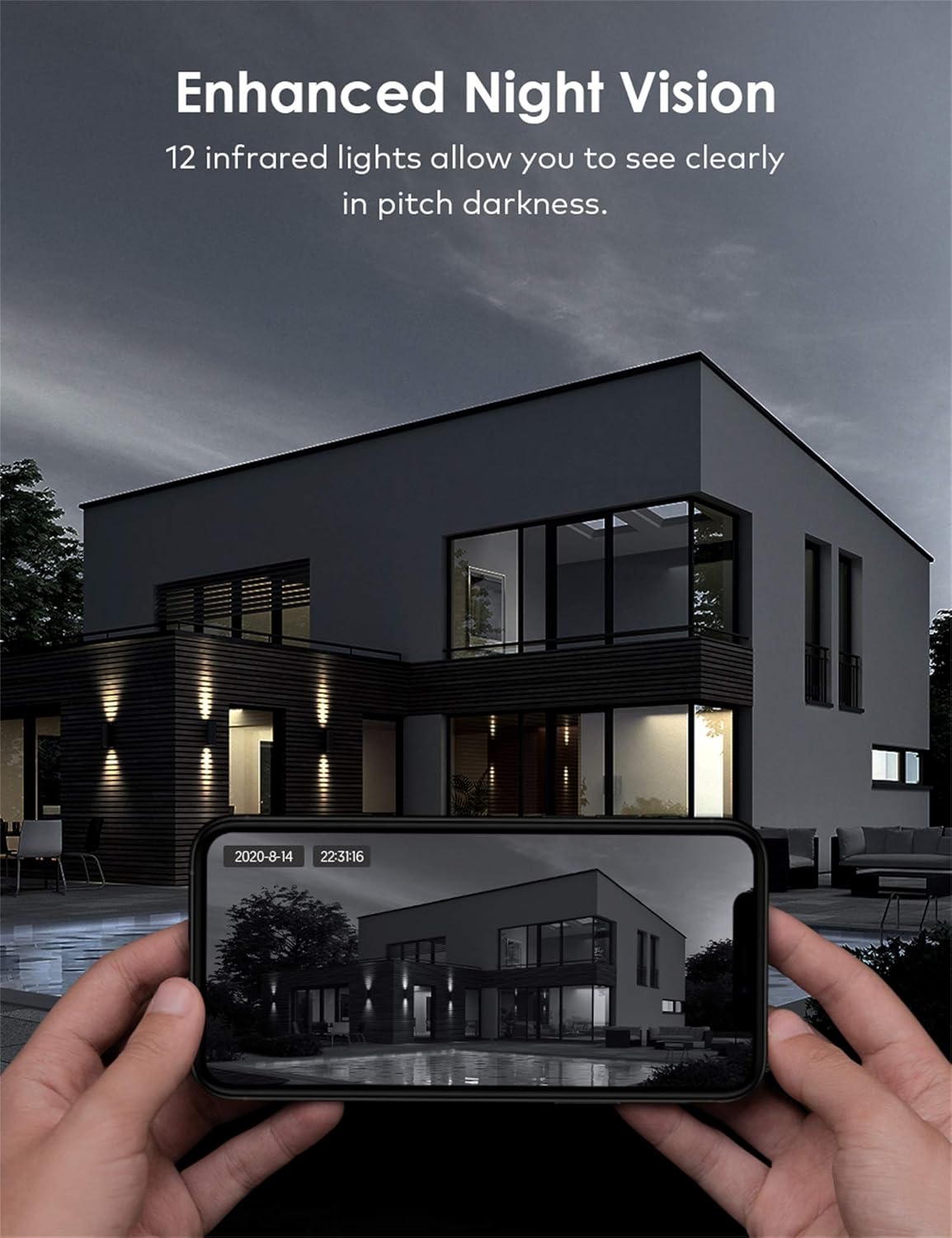
With 12 infrared lights, the camera provides clear night vision, allowing you to see in pitch darkness. This ensures 24/7 surveillance and peace of mind, even in low-light conditions.
אפשרויות אחסון מרובות

The camera supports both local storage via a TF (Micro SD) card and secure cloud storage. Important moments are saved privately, and the encrypted protocol ensures only authorized users can access the surveillance footage.
תאימות לבית חכם

Seamlessly integrate your Voger camera with Amazon Alexa and Google Home. Use voice commands to view live feeds or control camera functions, enhancing your smart home experience.
מדריך התקנה
1. תכולת החבילה
- Voger Outdoor Security Camera
- מתאם מתח
- הרכבה של ברגים ועוגנים
- Waterproof Kit (for cable connections)
- מדריך למשתמש
2. התקנה
- בחר מיקום: בחר מיקום חיצוני עם שטח ברור view of the area you wish to monitor. Ensure it is within range of your Wi-Fi network or has access to a LAN cable connection.
- התקן את המצלמה: Use the provided mounting template to mark drill holes. Drill holes, insert anchors, and secure the camera base to the wall or ceiling using the screws.
- חיבור חשמל: Connect the power adapter to the camera and plug it into a power outlet. Ensure the connection is secure and protected from weather using the waterproof kit if necessary.
- חיבור רשת:
- Wi-Fi: Ensure your Wi-Fi network is 2.4GHz (5GHz is not supported).
- LAN (Optional): For a more stable connection, connect an Ethernet cable from your router to the camera's LAN port.
3. הורדת אפליקציה וחיבור
- הורד את האפליקציה: חפש the recommended app (e.g., Tuya Smart or equivalent as per packaging) on your smartphone's app store (App Store for iOS, Google Play Store for Android).
- הרשמה/התחברות: פתח את האפליקציה וצור חשבון חדש או התחבר אם כבר יש לך.
- הוסף מכשיר: Tap the "+" icon to add a new device. Select "Security Camera" or "Smart Camera".
- סרוק קוד QR: Power on the camera. When prompted by the app, scan the QR code displayed on the camera or in the manual. Follow the on-screen instructions to connect the camera to your Wi-Fi network.
- תן שם למצלמה שלך: Once connected, give your camera a recognizable name (e.g., "Front Door Camera").
מִבצָע
1. לחיות View
Open the app and select your camera from the device list to access the live video feed. You can view foo בזמן אמתtage מכל מקום עם חיבור לאינטרנט.
2. Pan/Tilt/Zoom Control
בשידור חי view screen, use the directional controls or swipe gestures to remotely adjust the camera's viewing angle (355° horizontal, 110° vertical). Pinch to zoom in or out on the video feed.
3. שמע דו-כיווני
הקישו על סמל המיקרופון באפליקציה כדי לדבר דרך הרמקול של המצלמה. הקישו על סמל הרמקול כדי להאזין לשמע מסביבת המצלמה.
4. זיהוי תנועה והתראות
Access the camera settings in the app to configure motion detection sensitivity, detection zones, and alert notifications. You will receive push notifications on your smartphone when motion is detected.
5. הקלטה והשמעה
Recordings can be stored on a Micro SD card (up to 128GB, not included) or via cloud storage subscription. Access the playback feature in the app to review foo מוקלטtagה לפי תאריך ושעה.
6. שילוב בית חכם
To connect with Alexa or Google Home, enable the camera's skill/action in the respective smart home app. Follow the on-screen instructions to link your Voger account and discover devices. You can then use voice commands like "Alexa, show me the front door camera" or "Hey Google, show the backyard camera."
תַחזוּקָה
- ניקוי: נגבו את עדשת המצלמה באופן קבוע בעזרת מטלית רכה ויבשה כדי להבטיח איכות תמונה ברורה. אין להשתמש בכימיקלים חזקים או בחומרים שוחקים.
- עדכוני קושחה: Check the app periodically for firmware updates. Keeping your camera's firmware up-to-date ensures optimal performance, security, and access to new features.
- בדיקת חיבור: Periodically verify the stability of your Wi-Fi or LAN connection to the camera.
- ספק כוח: Ensure the power adapter and cable are free from damage and properly connected.
פתרון בעיות
| בְּעָיָה | סיבה אפשרית | פִּתָרוֹן |
|---|---|---|
| Camera offline/Cannot connect | אות Wi-Fi חלש, סיסמת Wi-Fi שגויה, מצלמה רחוקה מדי מהנתב, בעיית חשמל. | Check Wi-Fi signal strength, ensure correct password, move camera closer to router, restart camera and router, try LAN connection. |
| איכות תמונה ירודה | עדשה מלוכלכת, תאורה לא מספקת, בעיות רוחב פס של הרשת. | Clean the lens, ensure adequate lighting (especially for night vision), check internet speed. |
| Motion alerts too frequent/infrequent | הגדרות רגישות, הגדרת אזור גילוי. | Adjust motion detection sensitivity in the app. Configure specific detection zones to reduce false alarms. |
| אודיו דו-כיווני לא עובד | Microphone/speaker muted in app, network delay. | Ensure microphone and speaker icons are not muted in the app. Check network connection for stability. |
מפרט טכני
| מִפרָט | פְּרָט |
|---|---|
| מותג | ווג'ר |
| שם הדגם | VG360 |
| מספר דגם של פריט | VG360 |
| מידות המוצר | 15 x 11 x 5 ס"מ; 785 גרם |
| רזולוציית לכידת וידאו | 1080p |
| טכנולוגיית קישוריות | קווי, אלחוטי (Wi-Fi) |
| פרוטוקול תקשורת | Wi-Fi |
| תכונות מיוחדות | ראיית לילה, חיישן תנועה |
| מכשירים תואמים | סמארטפון, טאבלט |
| מקור כוח | חשמלי עם כבלים |
| סוג בקר | Google Assistant |
| סוג הרכבה | מתקן קיר |
| תאריך זמין ראשון | 25 בספטמבר 2020 |
אחריות ותמיכה
For warranty information and technical support, please refer to the contact details provided on the product packaging or the official Voger webאתר. שמור את קבלת הרכישה כהוכחת קנייה לתביעות אחריות.