
מָבוֹא
This manual provides instructions for the proper setup, operation, and maintenance of your Jasco Philips Broadcast TV Antenna, model SDV2227N/27. This antenna is designed to receive free local digital and HD broadcast television signals. It supports 1080p HD and 4K Ultra HD reception, with an effective range of up to 40 miles from the broadcast source. This passive antenna is compatible with all television brands. Please read this manual thoroughly before using the product.
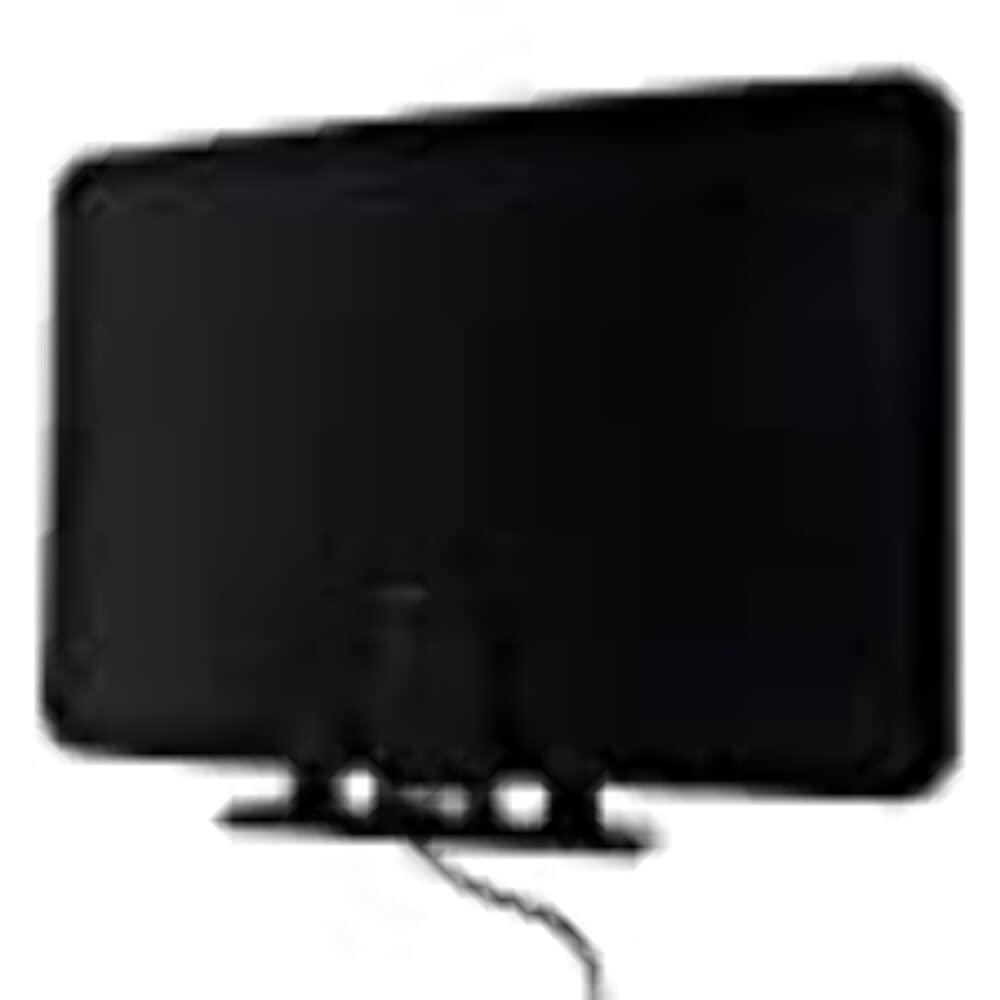
Image of the Jasco Philips Broadcast TV Antenna SDV2227N/27, showing its compact design suitable for indoor use.
הגדרה
- פירוק האנטנה: Carefully remove all components from the packaging. Ensure all parts are present.
- חיבור לטלוויזיה: Connect the coaxial cable from the antenna to the "Antenna In" or "Cable In" port on the back of your television.
- מקם את האנטנה: For optimal reception, place the antenna in a location with minimal obstructions, preferably near a window and facing the direction of local broadcast towers. You may need to experiment with different positions to find the best signal.
- Run a Channel Scan:
- הפעל את הטלוויזיה שלך.
- Access your TV's setup menu (usually labeled "Menu," "Settings," or "Setup").
- Navigate to the "Channel Scan," "Auto Program," or "Auto Tune" option.
- Select "Antenna" or "Air" as the input source, then initiate the scan. This process may take several minutes.
- Adjust for Best Signal: After the scan, check the picture quality of the received channels. If reception is poor on certain channels, try repositioning the antenna and running another channel scan.
פועל
Once the antenna is set up and a channel scan is complete, operating the antenna is straightforward.
- בחירת ערוץ: Use your television's remote control to change channels as you normally would.
- חוזק אות: Some televisions have a signal strength meter in their settings menu. This can be useful for fine-tuning antenna placement.
- סריקה מחדש של ערוצים: It is recommended to rescan for channels periodically (e.g., monthly) or if you notice a loss of channels, as broadcast towers may change frequencies or new channels may become available.
תַחזוּקָה
The Jasco Philips Broadcast TV Antenna requires minimal maintenance.
- ניקוי: Dust the antenna periodically with a soft, dry cloth. Do not use liquid cleaners or abrasive materials.
- בדיקת כבלים: Periodically check the coaxial cable for any signs of damage or wear. Ensure connections are secure.
- שימוש פנימי בלבד: This antenna is designed for indoor use. Do not expose it to outdoor elements, extreme temperatures, or moisture.
פתרון בעיות
| בְּעָיָה | סיבה אפשרית | פִּתָרוֹן |
|---|---|---|
| לא נמצאו ערוצים או שהקליטה גרועה. |
|
|
| Picture freezes or pixelates. |
|
|
| Some channels are missing. |
|
|
מפרטים
- דֶגֶם: SDV2227N/27
- מותג: ג'סקו
- סוג אנטנה: Passive, Indoor
- קַבָּלָה: Digital, HD, 4K Ultra HD
- לָנוּעַ: Up to 40 miles (from broadcast source)
- תְאִימוּת: All television brands
- משקל פריט: 13.8 אונקיות
- UPC: 030878409988
- ASIN: B08CT2MYY2
אחריות ותמיכה
For warranty information or technical support, please refer to the contact information provided with your product packaging or visit the official Jasco webאֲתַר. שמור את קבלה הרכישה שלך לתביעות אחריות.
חברת Jasco Products LLC
www.byjasco.com