
SUNITEC BC936SA
מדריך למשתמש של רמקול Bluetooth לרכב של SUNITEC
Model: BC936SA
מותג: סוניטיק
מָבוֹא
This manual provides detailed instructions for the SUNITEC Bluetooth Speaker for Car, designed to offer clear, hands-free communication and audio streaming in your vehicle. Featuring Bluetooth V5.1, noise cancellation, and support for voice assistants like Siri and Google Assistant, this device ensures safe and convenient driving.
The speakerphone is equipped with an auto power on/off function and can connect to two mobile phones simultaneously, making it an ideal solution for older vehicles not equipped with built-in hands-free capabilities.

תמונה: חזית view of the SUNITEC Bluetooth Car Speaker, showing its compact design and control buttons.
התקנה והתקנה
תוכן החבילה

Image: Diagram showing the contents of the product package, including the speaker, USB car charger, user manual, back clip, and USB charging cable.
Before first use, ensure the device is fully charged using the provided USB charging cable and car charger. The device takes less than 2 hours to fully charge.
הרכבת ההתקן
The SUNITEC Bluetooth Car Speaker is designed to be easily attached to your car's sun visor using the included visor clip. This placement ensures optimal microphone pickup and speaker clarity.

Image: Four-panel image demonstrating how to attach the speaker to a car's sun visor and its compact size when held in hand.
זיווג ראשוני
- Turn on the Bluetooth speakerphone.
- הפעל Bluetooth בטלפון הנייד שלך.
- חפש available Bluetooth devices and select "BC936SA" (or similar name) to pair.
- Once paired, the device will provide voice guidance confirming the connection.
The device supports automatic power on/off and reconnection. A built-in vibration sensor detects when your car door is opened, automatically turning on the speaker and reconnecting to your phone. When not in use, the device will automatically turn off to conserve battery.

Image: A person opening a car door, illustrating the auto power-on feature of the speaker when the car door is opened.
הוראות הפעלה
שיחות ללא ידיים
The SUNITEC Bluetooth Car Speaker provides crystal clear calls thanks to Bluetooth V5.1 and noise cancellation technology. To answer or end a call, simply press the multi-function button (MFB) on the device. To reject a call, press and hold the MFB.
שילוב עוזר קולי
For enhanced safety, the speaker supports Siri and Google Voice Assistant. You can activate your phone's voice assistant to make calls, send texts, or get GPS directions without taking your hands off the wheel. Simply press the voice assistant button (often the MFB or a dedicated button, refer to device diagram) to activate.

Image: Illustrates the voice command feature, showing how the speaker interacts with Siri and Google Assistant for tasks like calling, texting, and navigation.
Connecting Multiple Phones
This Bluetooth car speaker can connect to two Bluetooth-enabled cell phones simultaneously. This allows for easy switching between music playback and calls from either connected device.
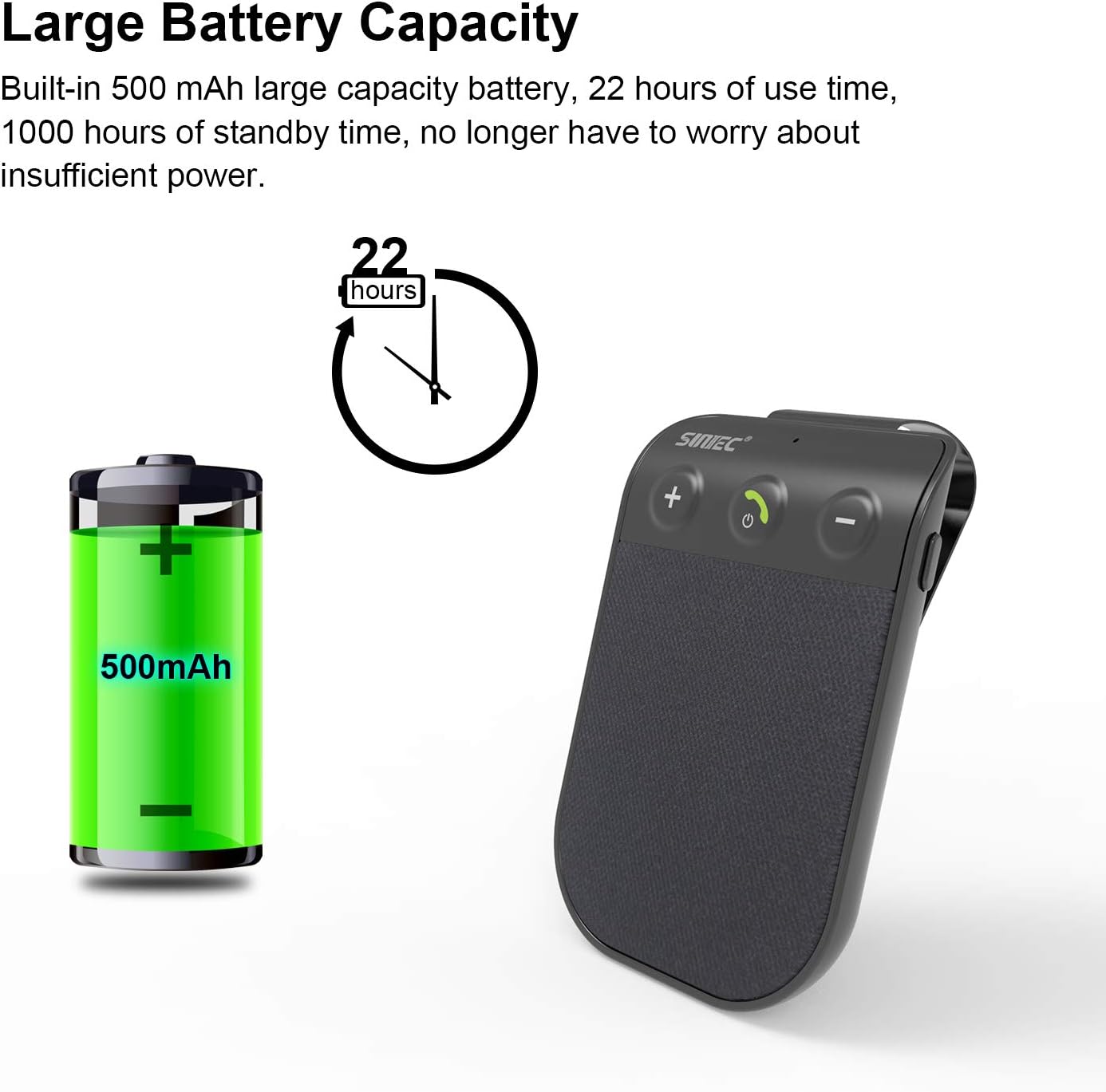
Image: Depicts the speaker's ability to maintain a strong connection with two mobile phones simultaneously, indicated by two phone icons and Wi-Fi symbols.
בקרת עוצמת הקול
Use the '+' and '-' buttons on the device to adjust the call volume or music playback volume.
המוצר נגמרview וִידֵאוֹ
Video: An official product video from SUNITECDirect showcasing the physical appearance and design of the Bluetooth Car Speaker.
תַחזוּקָה
- שמור על ניקיון המכשיר על ידי ניגוב שלו עם מטלית רכה ויבשה.
- הימנעו מחשיפת המכשיר לטמפרטורות קיצוניות, לאור שמש ישיר או לחות.
- אל תנסו לפרק או לתקן את המכשיר בעצמכם, שכן פעולה זו תגרום לביטול האחריות.
- יש לאחסן את המכשיר במקום קריר ויבש כאשר אינו בשימוש למשך תקופות ממושכות.
פתרון בעיות
| בְּעָיָה | סיבה אפשרית | פִּתָרוֹן |
|---|---|---|
| המכשיר לא נדלק. | הסוללה התרוקנה. | Charge the device fully using the provided USB cable and car charger. |
| לא ניתן להתאים לטלפון. | Bluetooth is off on phone; device is not in pairing mode; device already paired with another phone. | Ensure Bluetooth is enabled on your phone. Make sure the speaker is discoverable. Disconnect from other devices if necessary. Restart both devices. |
| איכות צליל ירודה / שמע מעוות. | Volume too high/low; interference; device too far from phone. | Adjust volume. Ensure no obstructions between speaker and phone. Keep devices within Bluetooth range (approx. 10 meters). |
| הפעלה/כיבוי אוטומטיים לא עובדים. | Vibration sensor not triggered; device not properly mounted. | Ensure the device is securely clipped to the sun visor. A slight movement (like opening the car door) should trigger the sensor. |
מפרט מוצר

Image: Detailed diagram of the speaker showing its dimensions and labeling key components like USB Port, Microphone, Volume buttons, MFB button, and Speaker.
| תכונה | פְּרָט |
|---|---|
| מותג | SUNITEC |
| מספר דגם | BC936SA-V5 |
| טכנולוגיית קישוריות | Bluetooth V5.1 |
| מקור כוח | מופעל על סוללה (סוללת ליתיום יון אחת כלולה) |
| קיבולת סוללה | 500 mAh (approximate, derived from A+ content image) |
| זמן דיבור | עד 12 שעות |
| זמן המתנה | עד 980 שעות |
| זמן טעינה | פחות משעתיים |
| משקל פריט | 2.2 אונקיות |
| מידות המוצר | 3.4 x 2.3 x 0.4 אינץ' |
| תכונות מיוחדות | DSP Noise Cancellation, Microphone, Mute function, Auto Power On/Off, Siri/Google Voice Assistant Support, Multi-point connection (2 phones) |
| חוֹמֶר | פּלָסטִי |

Image: Illustrates the large battery capacity (500mAh) and extended use time (22 hours) of the speaker.
אחריות ותמיכה
SUNITEC is committed to providing high-quality products and excellent customer service. For any issues or inquiries regarding your Bluetooth Car Speaker (Model BC936SA), please refer to the following:
- Free Return Policy: The manufacturer offers a 365-day free return policy for any product problems.
- Customer Response: Expect quick responses and answers to your queries within 24 hours.
For further assistance, please contact SUNITEC customer support through the platform where you purchased the product or refer to the contact information provided in the physical user manual included with your device.
Ask a question about this manual
Ask about setup, troubleshooting, compatibility, parts, safety, or missing instructions. Manuals+ will review the question and use this page’s manual context to help answer it.