
מָבוֹא
This manual provides detailed instructions for the proper use and maintenance of your Awei A799BL Foldable Gaming Wireless Headphone. Please read this manual thoroughly before using the product to ensure optimal performance and longevity. The Awei A799BL is designed for an immersive audio experience, featuring both wireless Bluetooth and wired connectivity options, a built-in microphone, and noise-cancelling capabilities.
תוכן החבילה
בעת פירוק האריזה, אנא ודא שכל הפריטים המפורטים להלן נמצאים ובמצב תקין:
- Awei A799BL Foldable Gaming Wireless Headphone
- כבל טעינה USB
- כבל שמע 3.5 מ"מ (לחיבור קווי)
- מדריך למשתמש (מסמך זה)
המוצר נגמרview
הכירו את הרכיבים והפקדים השונים של אוזניות ה-Awei A799BL שלכם.

תמונה: חזית view of the Awei A799BL Foldable Gaming Wireless Headphone, showcasing its black and silver design with red geometric patterns on the earcups.
תכונות עיקריות:
- Foldable Design for portability.
- Wireless Bluetooth Connectivity (Bluetooth Version 5.0).
- Wired Connectivity via 3.5mm audio jack.
- Integrated Microphone for communication.
- Active Noise Cancellation (ANC) for an immersive audio experience.
- Over-Ear design for comfort during extended use.
Controls (Typical Layout - Refer to product for exact placement):
- לחצן הפעלה: הפעלה/כיבוי, הפעלה/השהיה, מענה/סיום שיחה.
- כפתור הגברת עוצמת הקול/הבאת הרצועה: הגברת עוצמת הקול, דלג לרצועה הבאה.
- כפתור הנמכת עוצמת הקול/הרצועה הקודמת: הנמכת עוצמת הקול, מעבר לרצועה הקודמת.
- לחצן ANC: Activate/Deactivate Active Noise Cancellation.
- יציאת מיקרופון: For detachable microphone (if applicable).
- שקע שמע 3.5 מ"מ: עבור חיבור קווי.
- יציאת טעינה: יציאת מיקרו USB לטעינה.
- מחוון LED: מציג מצב הפעלה, טעינה וצימוד.
הגדרה
1. טעינת האוזניות
Before initial use, fully charge the headphone. Connect the provided USB charging cable to the headphone's charging port and the other end to a USB power source (e.g., computer USB port, wall adapter). The LED indicator will typically show red during charging and turn off or change color when fully charged. A full charge takes approximately 2 hours.
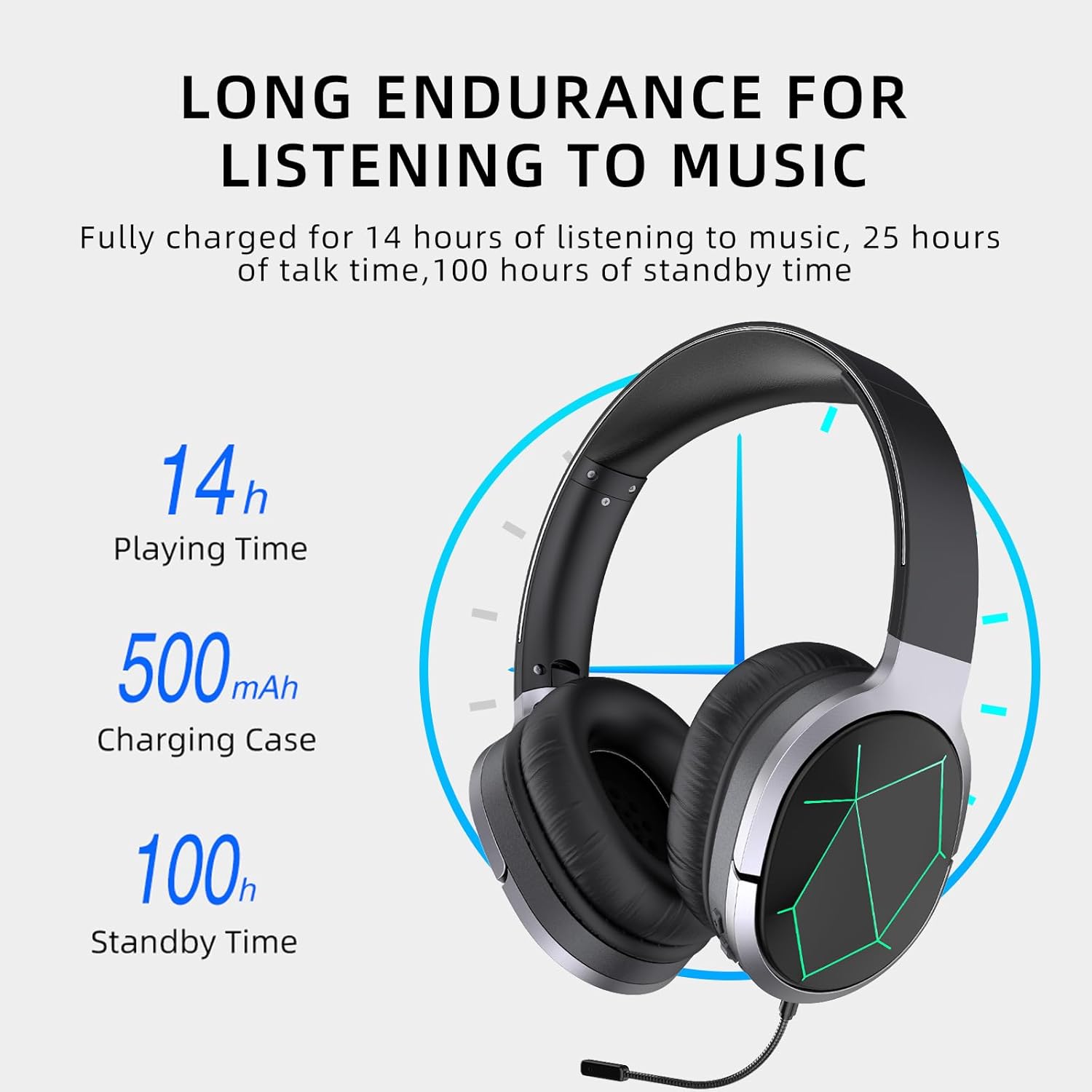
Image: Awei A799BL Headphone illustrating its long endurance with 14 hours play time, 500mAh battery capacity, and 100 hours standby time.
2. זיווג Bluetooth
- Ensure the headphone is charged and turned off.
- לחץ והחזק את לחצן ההפעלה עד שנורית ה-LED תהבהב לסירוגין בכחול ואדום, כדי לציין מצב צימוד.
- במכשיר שלך (סמארטפון, טאבלט, מחשב), הפעל את Bluetooth וחפש מכשירים זמינים.
- בחר "Awei A799BL" מרשימת המכשירים שנמצאו.
- Once paired, the LED indicator will typically flash blue slowly or turn solid blue.
- אם נדרשת סיסמה, הזן "0000".

Image: Awei A799BL Headset with "Bluetooth Gaming Headset" text, emphasizing its wireless gaming capability.
3. חיבור קווי (כבל שמע 3.5 מ"מ)
To use the headphone in wired mode, connect one end of the 3.5mm audio cable to the headphone's 3.5mm jack and the other end to your audio source's 3.5mm output. This mode does not require battery power for audio playback, but the microphone and ANC features may require power.

Image: Awei A799BL Headphone connected via a 3.5mm audio cable to various devices, highlighting the alternative wired connection option.
הוראות הפעלה
הפעלה/כיבוי:
- הפעלה: לחץ והחזק את לחצן ההפעלה למשך כ-3 שניות עד שנורית ה-LED תידלק.
- כיבוי: לחץ והחזק את לחצן ההפעלה למשך כ-3-5 שניות עד שנורית ה-LED יכבה.
Music Playback (Bluetooth Mode):
- הפעל/השהה: לחיצה קצרה על לחצן ההפעלה.
- הרצועה הבאה: לחץ לחיצה ארוכה על כפתור הגברת עוצמת הקול.
- רצועה קודמת: לחץ לחיצה ארוכה על כפתור הנמכת עוצמת הקול.
- הגבר קול: לחיצה קצרה על כפתור הגברת עוצמת הקול.
- להנמיך קול: לחיצה קצרה על כפתור הנמכת עוצמת הקול.
Call Management (Bluetooth Mode):
- מענה/סיום שיחה: לחיצה קצרה על לחצן ההפעלה.
- דחה שיחה: לחץ לחיצה ארוכה על לחצן ההפעלה למשך 2 שניות.
- חיוג חוזר למספר האחרון: לחץ פעמיים על לחצן ההפעלה.
ביטול רעשים פעיל (ANC):
Press the ANC button to activate or deactivate the noise cancellation feature. The LED indicator for ANC will light up when active.
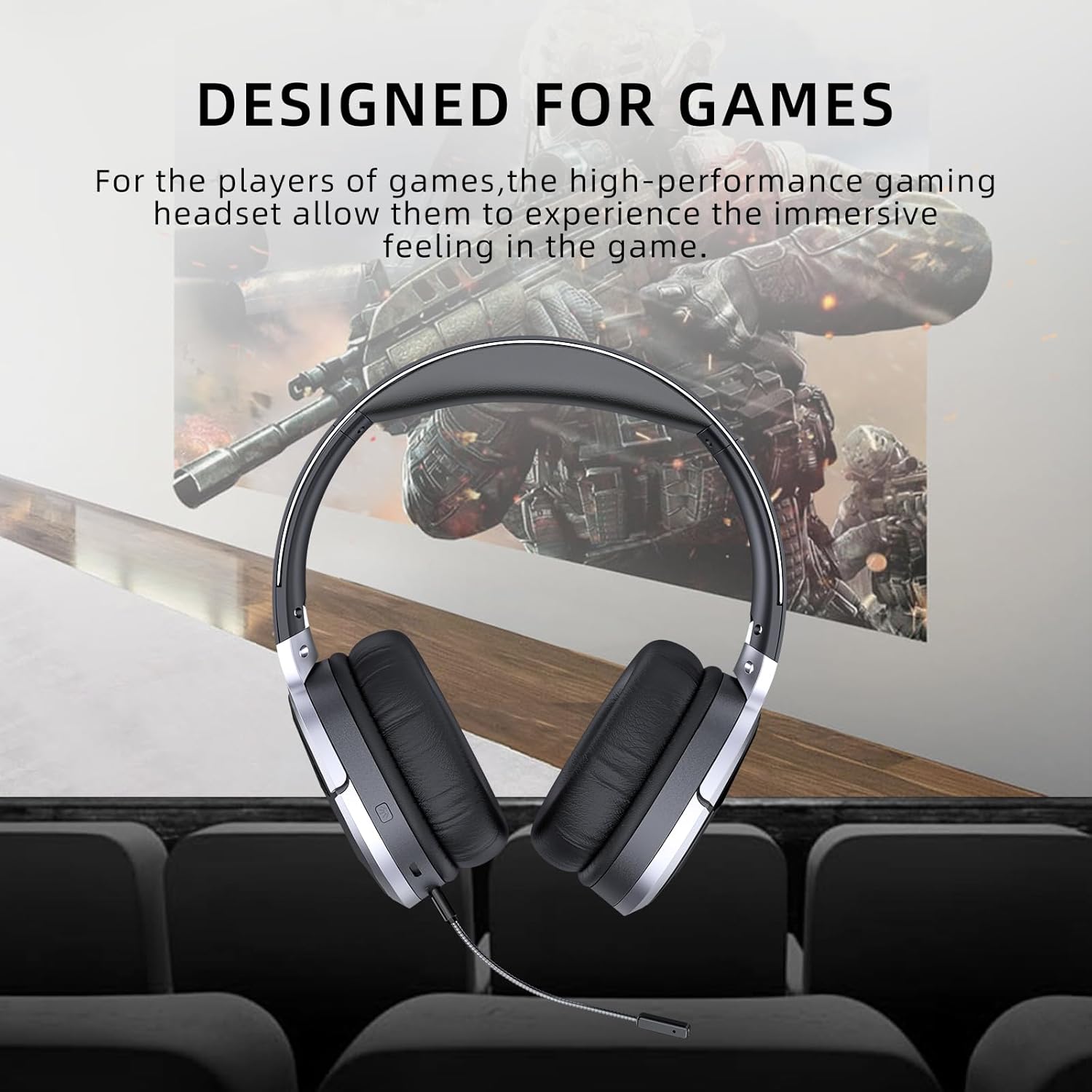
Image: Awei A799BL Headphone with "Designed for Games" text, indicating its suitability for gaming with immersive audio.
תַחזוּקָה
- Keep the headphone dry. Avoid exposure to moisture or liquids.
- Clean the headphone with a soft, dry cloth. Do not use abrasive cleaners or solvents.
- יש לאחסן את האוזניות במקום קריר ויבש, הרחק מאור שמש ישיר וטמפרטורות קיצוניות.
- הימנעו מהפלת האוזניות או מחשיפתן לפגיעות חזקות.
- Do not attempt to disassemble or modify the headphone, as this will void the warranty and may cause damage.
פתרון בעיות
| בְּעָיָה | פתרון אפשרי |
|---|---|
| האוזניות לא נדלקות. | ודא שהאוזניות טעונות במלואן. חבר למקור חשמל ונסה שוב. |
| לא ניתן לבצע צימוד דרך בלוטות'. |
|
| אין צליל במצב Bluetooth. |
|
| המיקרופון לא עובד. |
|
| איכות הצליל ירודה או מעוותת. |
|
מפרטים

Image: Awei A799BL Headphone displaying its basic parameters and specifications.
| פָּרָמֶטֶר | עֵרֶך |
|---|---|
| מספר דגם | A799BL |
| גרסת בלוטות' | 5.0 |
| זמן המתנה | 100 שעות |
| זמן דיבור | 25 שעות |
| זמן משחק | 14 שעות |
| זמן טעינה | 2 שעות |
| תגובת תדר | 2.402G-2.480G |
| קיבולת סוללה | 500mAh/3.7V (Lithium Polymer) |
| מרחק שידור | 10 מטר |
| Pro נתמךfiles | HSP/ HFP/ A2DP/ AVRCP |
| עַכָּבָּה | 32 אוהם |
| בקרת רעש | ביטול רעש פעיל (ANC) |
| קישוריות | Wireless (Bluetooth) and Wired (3.5mm Jack) |
| מידות המוצר | 4 x 10 x 16.5 ס"מ |
| משקל המוצר | 4.54 גרם |
אחריות ותמיכה
For warranty information and customer support, please refer to the warranty card included with your purchase or contact the retailer where the product was acquired. Keep your proof of purchase for warranty claims.
For further assistance, you may visit the official Awei webבאתר או צרו קשר עם מחלקת שירות הלקוחות שלהם. פרטי הקשר זמינים בדרך כלל על אריזת המוצר או בנוכחות המקוונת הרשמית של המותג.