
Divoom ACDIVDITPNK
Divoom Ditoo Retro Pixel Art Game Bluetooth Speaker Instruction Manual
Model: ACDIVDITPNK
1. הקדמה
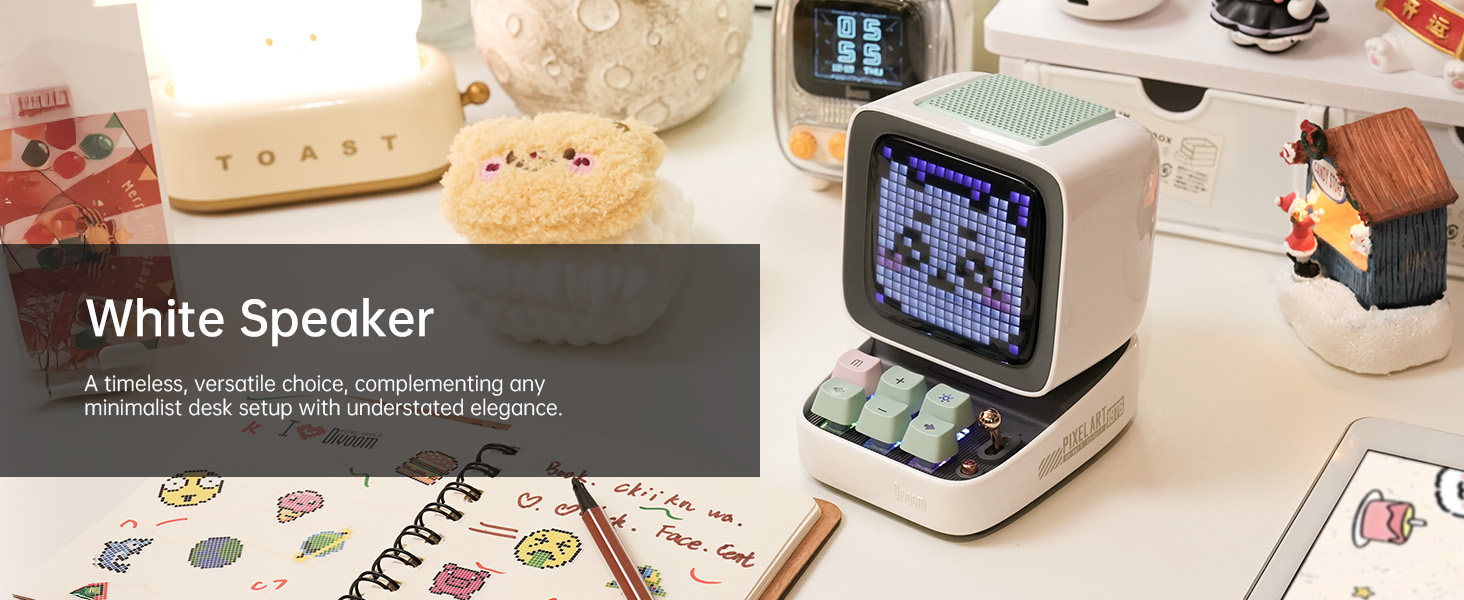
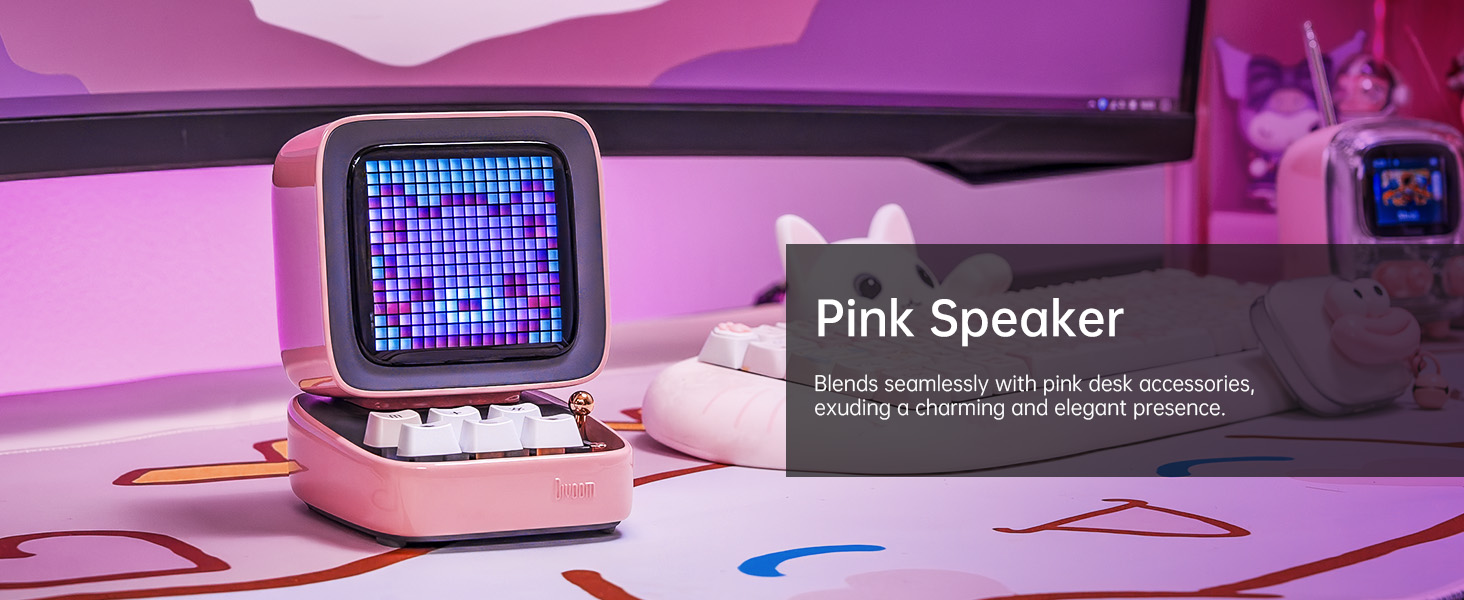
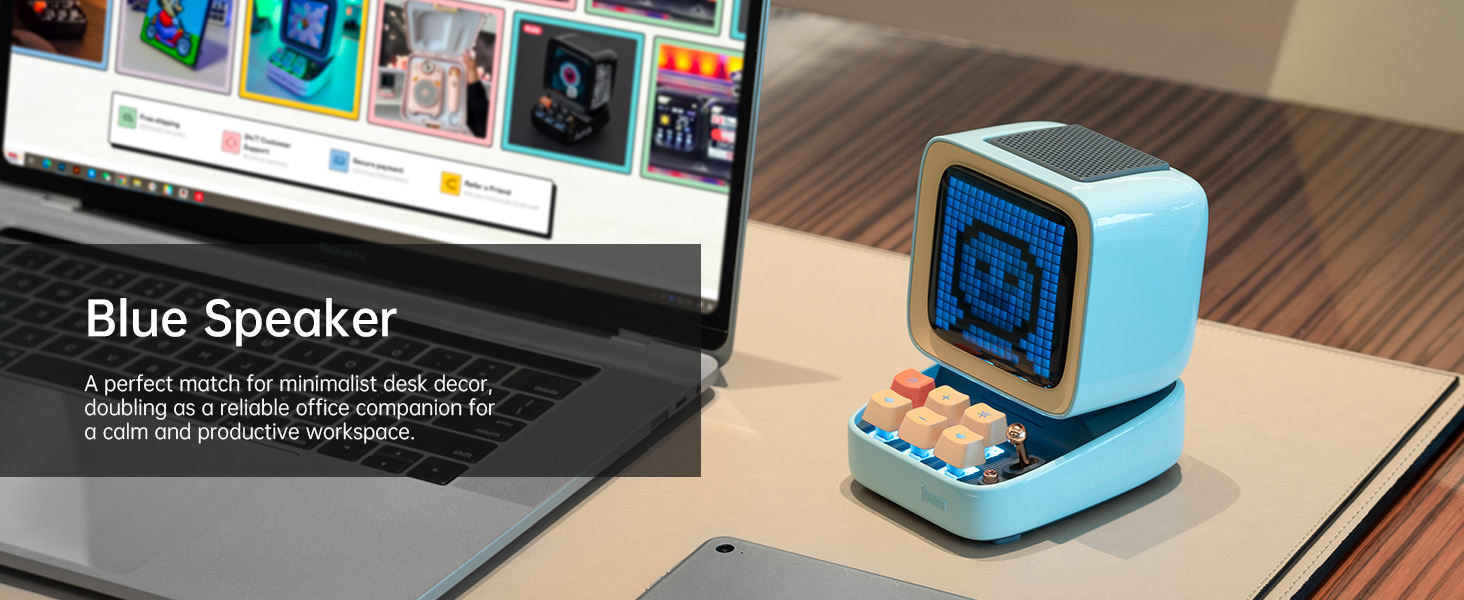
The Divoom Ditoo is a versatile retro-styled pixel art Bluetooth speaker designed to enhance your daily life with its unique blend of audio quality and interactive visual display. It features a 16x16 LED screen for pixel art, a powerful 10W DSP speaker, and a range of smart functions controlled via a dedicated mobile application. This manual provides detailed instructions for setting up, operating, maintaining, and troubleshooting your Divoom Ditoo speaker.

2. מדריך התקנה
2.1. מה כלול
Upon unboxing your Divoom Ditoo, please ensure all the following items are present:
- DitooPro Speaker
- קופסת מתנה
- כבל טעינה USB-C
- מדריך להתחלה מהירה
- Cute Sticker

2.2. טעינת ההתקן
Before first use, fully charge your Divoom Ditoo speaker. Connect the provided USB-C charging cable to the USB-C charging port (13) located on the back of the device and plug the other end into a compatible USB power adapter (not included). The battery indicator (9) will show charging status. A full charge provides approximately 8 hours of playback, though this may vary based on display brightness and image complexity.
2.3. הפעלה ראשונית
To power on the Divoom Ditoo, press and hold the ON/OFF button (14) located on the back of the device until the screen illuminates.
2.4. התקנת אפליקציה
For full functionality and customization, download the Divoom app on your smartphone or tablet. Scan the QR code on the product packaging or visit the official Divoom webאֲתַר: http://www.divoom.com/AppDownLoad
2.5. זיווג Bluetooth
Once the app is installed and the Ditoo is powered on, open the Divoom app on your device. The app will guide you through the Bluetooth pairing process. Ensure Bluetooth is enabled on your smartphone/tablet. Select 'Ditoo' from the list of available devices to connect.
3. תפעול
3.1. בקרות עלview
The Divoom Ditoo features a set of physical buttons and a lever for direct control, in addition to app control. Refer to the diagram and table below for button functions:

| לֹא. | כפתור/יציאה | פונקציה (לחיצה) | פונקציה (החזקה) |
|---|---|---|---|
| 1 | "m" button | כניסה/יציאה ממערכת התפריטים | הפעל/כבה את התאורה האחורית של המקלדת |
| 2 | כפתור "+" | הגדל את הווליום | שנה אפקטי אור |
| 3 | "*" Lighting button | שנה את פונקציית האור | שנה אפקטי אור |
| 4 | כפתור "-" | השיר הקודם | אפקט אור אחרון |
| 5 | "---" Lower key | הורד נפח | בהירות נמוכה יותר |
| 6 | כפתור "+" | השיר הבא | אפקט האור הבא |
| 7 | מָנוֹף | Short pull: Play/Pause | Long pull: Start voice memo recording |
| 8 | כפתור מקור שמע | Switch between different audio sources | Double press: Disconnect Bluetooth connection |
| 9 | מחוון סוללה | לחץ על כפתור כלשהו כדי לבדוק את מצב הסוללה | לא |
| 10 | יציאת בס | לא | לא |
| 11 | דש יציאה אחורי | לא | לא |
| 12 | אפס את חור הסיכה | לא | לא |
| 13 | יציאת טעינה מסוג USB Type-C | לא | לא |
| 14 | כפתור הפעלה/כיבוי | לא | החזק: הפעלה/כיבוי של רמקול |
| 15 | חריץ לכרטיס TF | השמעת מוזיקה מכרטיס TF | לא |
3.2. Pixel Art Creation & Gallery
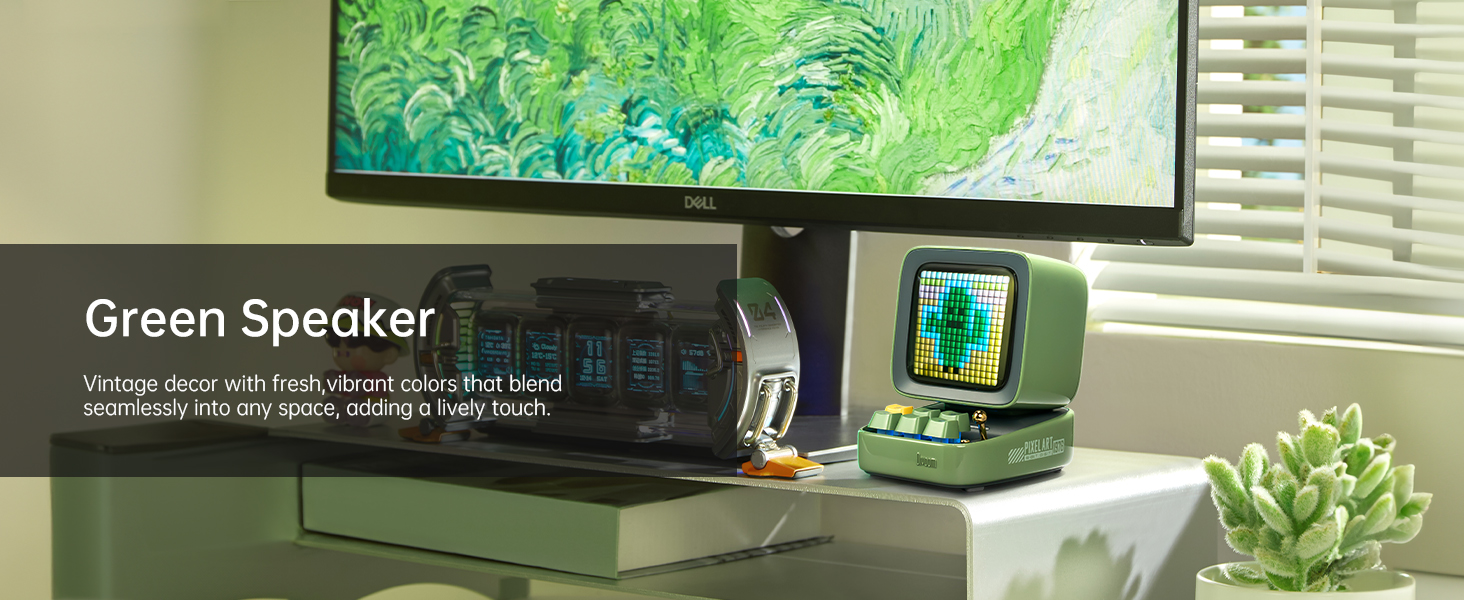
The Divoom Ditoo's standout feature is its pixel art display. Use the Divoom app to create your own pixel art designs or browse a vast online gallery of user-generated content. You can display static images, animations, or even text messages on the screen.


3.3. השמעת מוזיקה
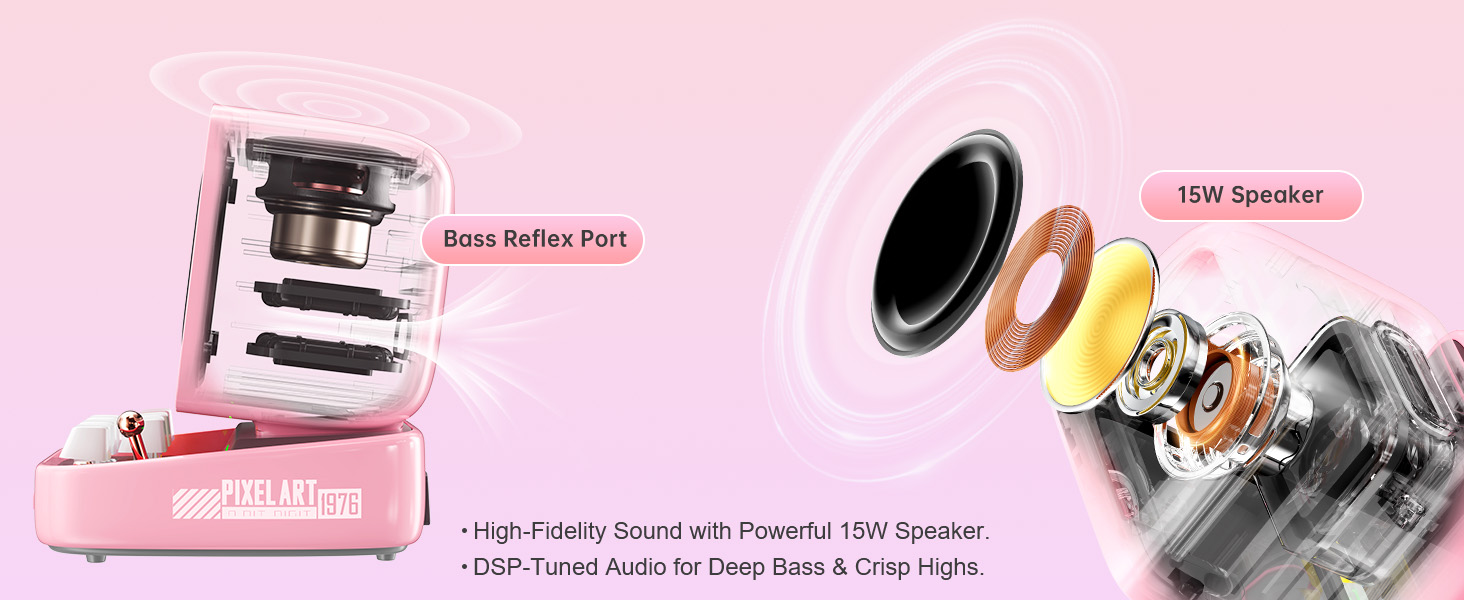
Connect your Ditoo via Bluetooth to stream music from your smartphone or tablet. The 10W DSP-tuned speaker delivers clear audio with deep bass and crisp highs. The pixel display can also visualize the music with dynamic equalizer effects.
3.4. Smart Alarm & Sleep Aid
Utilize the Divoom Ditoo as a smart alarm clock with customizable wake-up sounds. The app also offers a sleep aid function with 24 soothing white noise sounds to help you relax and fall asleep.
3.5. תכונות אחרות
The Divoom Ditoo offers a variety of additional features:
- רדיו מקוון: Access various internet radio stations through the app.
- התראות: Receive social media notifications displayed on the screen.
- מיני-משחקים: Play classic pixel games like Tetris and Snake directly on the device.
- תזכיר קולי: Record short voice messages.
- מתכנן זמן: Organize your schedule and set reminders.
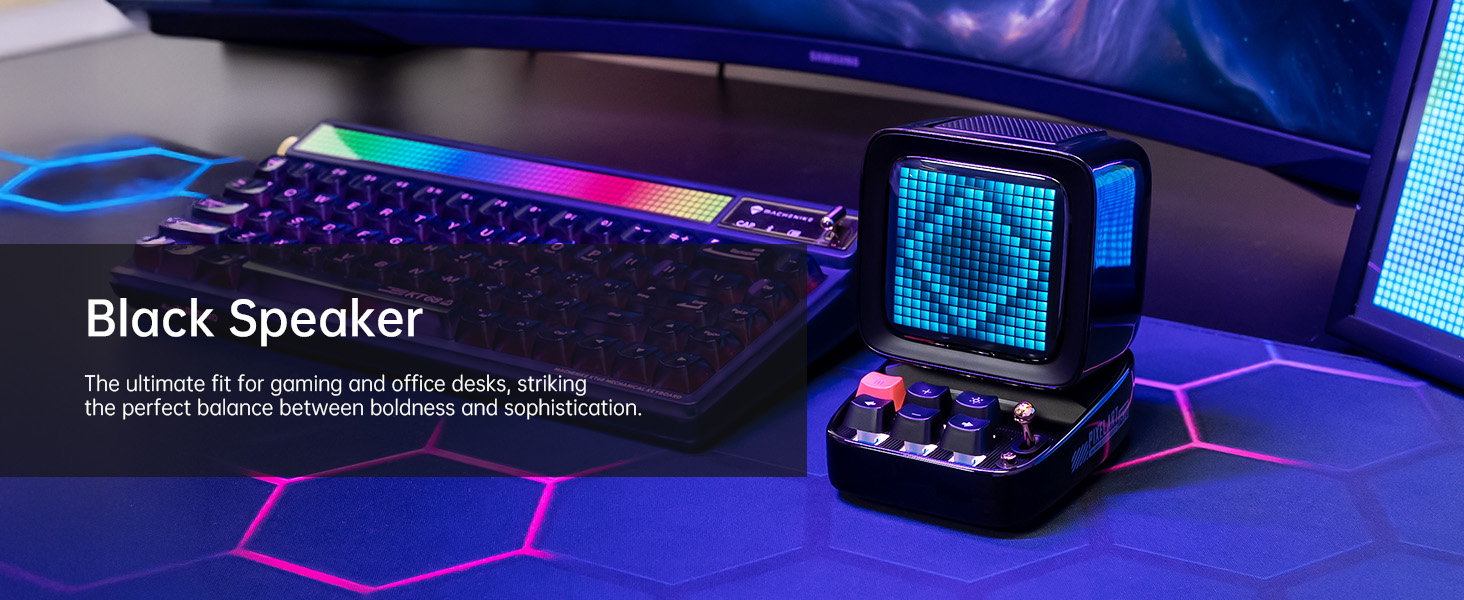
- תאורת RGB: Customize the keyboard backlight with a wide range of colors.
4. תחזוקה
4.1. ניקיון
To clean your Divoom Ditoo, gently wipe the exterior surfaces with a soft, dry, lint-free cloth. Avoid using abrasive cleaners, solvents, or spray cleaners directly on the device. Do not expose the device to excessive moisture.
4.2. טיפול בסוללה
To prolong battery life, avoid fully discharging the device frequently. If storing the device for an extended period, charge it to approximately 50% before storage and recharge every few months to prevent deep discharge.
5. פתרון תקלות
If you encounter issues with your Divoom Ditoo, please refer to the following common troubleshooting steps:
- המכשיר לא מופעל: ודא שהמכשיר טעון במלואו. חבר אותו למקור חשמל באמצעות כבל USB-C ונסה שוב.
- בעיות קישוריות Bluetooth:
- ודא שה-Bluetooth מופעל בטלפון החכם/טאבלט שלך.
- Make sure the Ditoo is within the 10-meter Bluetooth range.
- Try disconnecting and re-pairing the device via the Divoom app or your device's Bluetooth settings.
- Restart both the Ditoo speaker and your connected device.
- התצוגה לא פועלת כראוי:
- Check the brightness settings using the "---" lower key button (5) or through the app.
- If the display appears washed out, especially with light colors, this can be a characteristic of the pixel screen; try designs with stronger contrast.
- בעיות באיכות הסאונד:
- Ensure the volume is adjusted on both the Ditoo and your connected device.
- Check for any obstructions around the speaker or bass port (10).
- High-Pitched Buzzing Sound (when plugged in with high brightness): If you experience a high-pitched buzzing sound when the device is plugged in and brightness is high, try reducing the display brightness or operating the device on battery power.
- בעיות בפונקציונליות האפליקציה: Ensure your Divoom app is updated to the latest version. Try restarting the app or reinstalling it if problems persist.
- המכשיר לא מגיב: Locate the reset pin hole (12) on the back of the device. Use a small pin or paperclip to press the reset button inside. This will restart the device without erasinנתוני g.
If these steps do not resolve your issue, please contact Divoom customer support for further assistance.
6. מפרט טכני
Below are the detailed technical specifications for the Divoom Ditoo speaker:
| מִפרָט | עֵרֶך |
|---|---|
| שם הדגם | דיטו |
| מספר דגם של פריט | ACDIVDITPNK |
| מידות המוצר | מידות: 67 מ"מ x 63 מ"מ x 67 מ"מ (עומק 2.64 אינץ' x רוחב 2.48 אינץ' x גובה 2.64 אינץ') |
| משקל פריט | 1.76 פאונד (800 גרם) |
| צֶבַע | וָרוֹד |
| גודל רמקול | 48 מילימטרים |
| רמקול כוח פלט מרבי | 15 וואט |
| תגובת תדר | 20000 הרץ |
| טכנולוגיית קישוריות | בלוטות' (אלחוטי) |
| טווח בלוטות' | 10 מטר |
| קיבולת סוללה | 5000 מיליamp שעות |
| חיי סוללה (הפעלה) | עד 8 שעות (משתנה בהתאם לשימוש) |
| מקור כוח | מופעל על סוללה |
| שיטת בקרה | בקרת אפליקציה |
| תכונות מיוחדות | Pixel Art Creation, Alarm Clock, Online Radio, Game, Voice Memo, Notification, Wireless Bluetooth |
| מכשירים תואמים | מחשב נייד, מחשב אישי, סמארטפון |
| ארץ מוצא | סִין |
7. אחריות ותמיכה
למידע על אחריות ותמיכת לקוחות, אנא עיינו באתר הרשמי של Divoom. website or the contact details provided in your product packaging. You can also find a digital version of the user manual (PDF) at: https://manuals.plus/m/3cf8fd57ae4f3f798dc4eeb47cfd5a619d8060411270294fb558812758a969b7
Divoom is committed to providing quality products and support. If you have any questions or require assistance, do not hesitate to reach out to their customer service team.
Ask a question about this manual
Ask about setup, troubleshooting, compatibility, parts, safety, or missing instructions. Manuals+ will review the question and use this page’s manual context to help answer it.