
מָבוֹא
This manual provides comprehensive instructions for the safe and efficient use of your Paulmann MaxLED 79797 RGBW Controller. This device allows you to control Paulmann MaxLED RGBW light strips, enabling functions such as switching, dimming, and changing light colors and effects via the included wireless remote control. The controller operates without requiring direct line-of-sight to the remote, offering a range of up to 30 meters.
הוראות בטיחות חשובות
- קרא בעיון את כל ההוראות לפני ההתקנה וההפעלה.
- שמור מדריך זה לעיון עתידי.
- מוצר זה מיועד לשימוש פנימי בלבד (דירוג IP20). אין לחשוף ללחות או לטמפרטורות קיצוניות.
- ודא שספק הכוח מנותק לפני כל עבודת התקנה או תחזוקה.
- Only use with Paulmann MaxLED RGBW strips and compatible 24V power supplies.
- Do not attempt to open or modify the controller or remote control. This will void the warranty.
- יש להרחיק סוללות מהישג ידם של ילדים. יש להשליך סוללות משומשות באחריות.
תוכן החבילה
ודא שכל הרכיבים נמצאים בחבילה:
- 1x Paulmann MaxLED RGBW Controller (Model 79797)
- 1x שלט רחוק אלחוטי
- 1x Assembly Instructions (this manual)
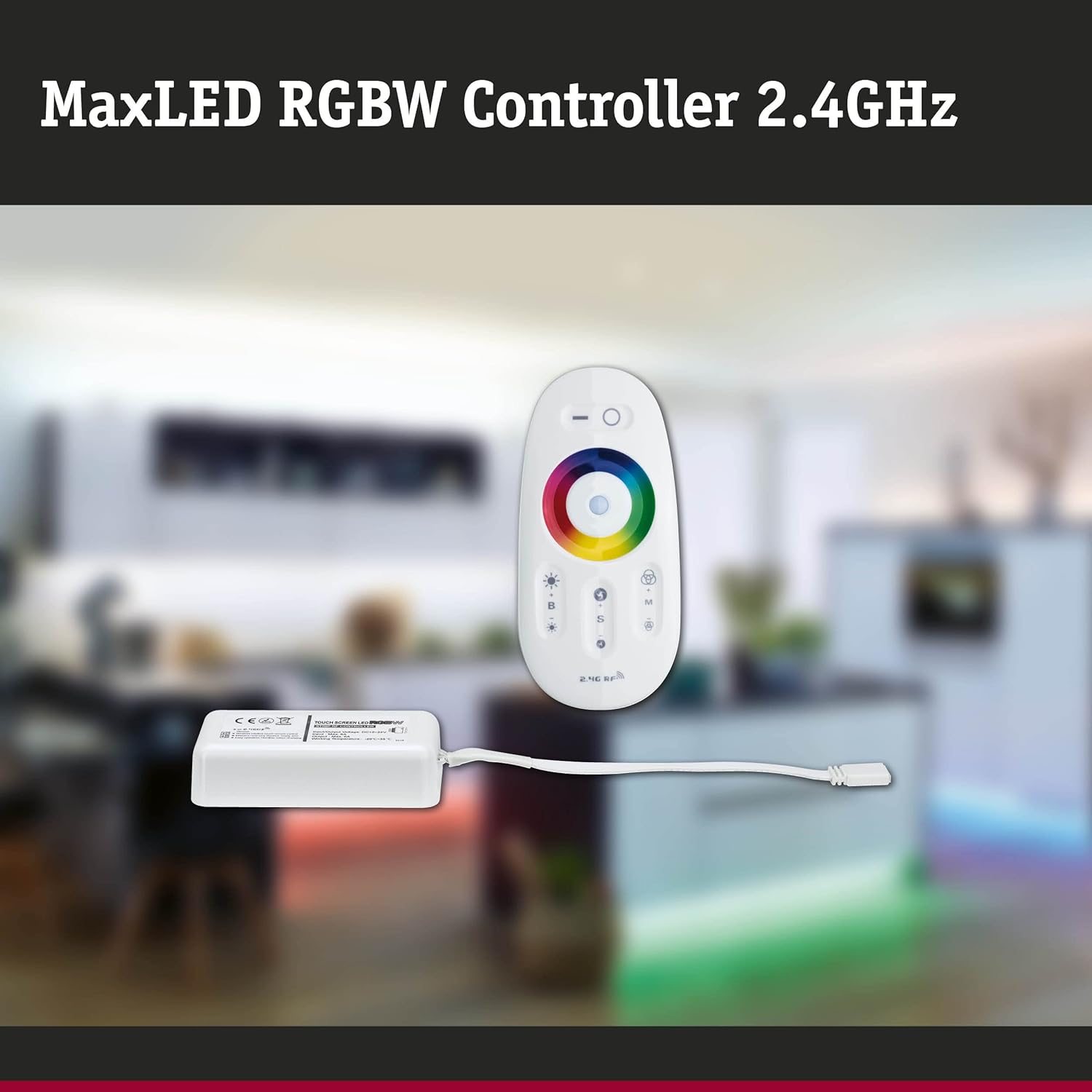
Image: The MaxLED RGBW Controller and its wireless remote control. The controller is a small white rectangular unit with a cable, and the remote is an oval-shaped white device with various buttons and a color wheel.

Image: Diagram showing the MaxLED RGBW Controller and remote control with their approximate dimensions. The controller measures 22.5x85x45mm and the remote 20x110x53mm. A 150mm cable connects the controller to the LED strip.
התקנה והתקנה
Follow these steps for proper installation of your MaxLED RGBW Controller:
- הכן את אזור ההתקנה: Ensure the surface where the LED strip will be mounted is clean, dry, and free of dust.
- חבר את רצועת ה-LED: Connect your Paulmann MaxLED RGBW strip to the output cable of the controller. The system uses an easy plug-in connection. Ensure the connectors are securely fastened.
- חבר ספק כוח: Connect a compatible 24V Paulmann power supply (not included) to the input side of the MaxLED RGBW Controller.
- הרכב את הבקר: The controller is designed for hidden installation. Place it in a discreet location where it is protected from physical damage and moisture, but still allows for proper signal transmission from the remote (up to 30m range).
- הפעלה: Once all connections are secure, plug the power supply into a suitable electrical outlet.
- Pairing the Remote Control (if necessary): The remote control is usually pre-paired. If not, refer to the "Operating Instructions" section for pairing procedures.
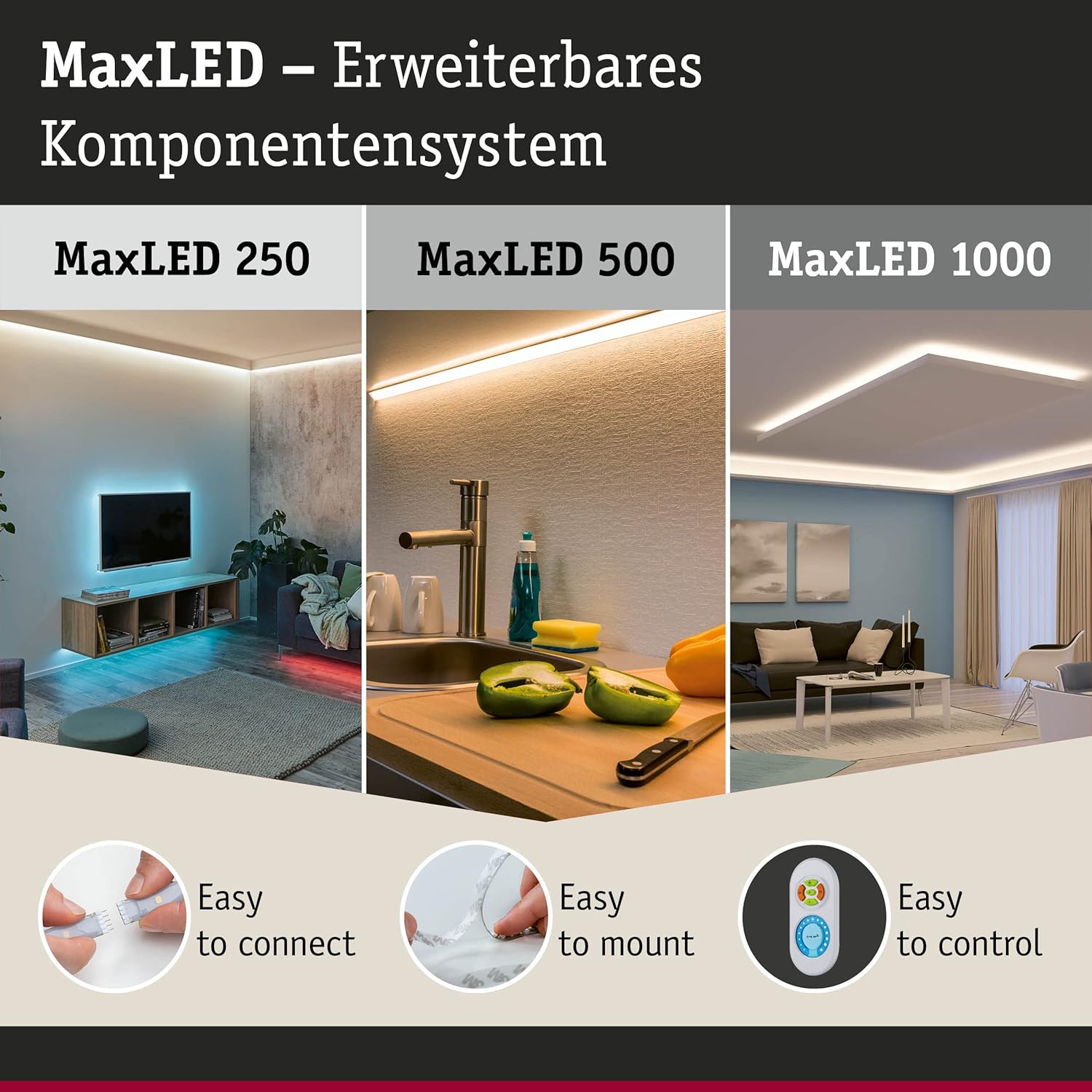
Image: This image illustrates the MaxLED expandable component system, highlighting three key aspects: "Easy to connect" (showing a hand connecting an LED strip), "Easy to mount" (showing an LED strip being applied to a surface), and "Easy to control" (showing the remote control). This demonstrates the simplicity of the setup process.
הוראות הפעלה
The wireless remote control allows full command over your MaxLED RGBW strips.
פונקציות שלט רחוק:

תמונה: מפורט view of the MaxLED RGBW remote control, showing its various buttons and the central color wheel. The remote features power, brightness, mode, speed, and color selection controls.
- כפתור הפעלה (O): Press to turn the LED strips On or Off.
- שליטה בבהירות (B +/-): Use the '+' button to increase brightness and '-' to decrease brightness.
- גלגל צבע: Touch the color wheel to select a desired static color for your LED strips.
- Mode Selection (M): Cycle through various pre-programmed light effects and color changing modes.
- Speed Control (S +/-): When in a dynamic mode, use the '+' button to increase the speed of the effect and '-' to decrease it.
זיווג השלט הרחוק:
If your remote control is not responding, it may need to be paired with the controller:
- ודא שהבקר מופעל.
- Within 3 seconds of powering on the controller, press and hold the "Mode" (M) button on the remote control for a few seconds.
- The LED strips should flash to indicate successful pairing.
תַחזוּקָה
ניקוי:
To clean the controller and remote control, gently wipe with a soft, dry cloth. Do not use abrasive cleaners, solvents, or excessive moisture, as this can damage the components.
החלפת סוללה בשלט רחוק:
The remote control requires batteries (type not specified in product data, typically CR2032 or similar button cell). If the remote's range decreases or it stops responding, replace the battery:
- אתר את תא הסוללות בגב השלט הרחוק.
- פתח את התא באמצעות מברג קטן או על ידי הזזת המכסה.
- הוציאו את הסוללה הישנה והכניסו חדשה, תוך הקפדה על קוטביות נכונה (+/-).
- סגור היטב את תא הסוללות.
- השלך את הסוללה הישנה בהתאם לתקנות המקומיות.
פתרון בעיות
| בְּעָיָה | סיבה אפשרית | פִּתָרוֹן |
|---|---|---|
| LED strips do not light up. | No power, loose connection, faulty power supply, remote not paired. | Check power supply connection. Ensure all cables are securely plugged in. Verify power outlet is functional. Re-pair the remote control (see Operating Instructions). |
| השלט רחוק לא מגיב. | סוללה ריקה, שלט רחוק לא מחובר, מחוץ לטווח. | Replace remote control battery. Re-pair the remote control. Move closer to the controller (within 30m). |
| הצבעים שגויים או לא עקביים. | Loose connection to LED strip, faulty LED strip. | Check the connection between the controller and the LED strip. Ensure the strip is fully compatible. |
| Dimming or effects not working. | Remote control issue, incompatible LED strip. | Ensure the remote control battery is good and it is paired. Verify the LED strip is an RGBW dimmable type. |
מפרטים
| מותג | פולמן |
| מספר דגם | 79797 |
| מידות המוצר (L x W x H) | 5.3 x 11 x 2 cm (Controller); 20 x 110 x 53 mm (Remote) |
| מִשׁקָל | 102 גרם |
| דירוג IP | IP20 (שימוש פנימי בלבד) |
| חוֹמֶר | פּלָסטִי |
| מקסימום. וואטtage | 144 וואט |
| כרך ידtage | 24 וולט |
| סוג מקור אור | LED (for compatible strips) |
| מקור כוח | AC (via external 24V power supply) |
| תכונות מיוחדות | Dimmable, Variable Intensity, Remote Control, RGBW Color Change |
| תדר שלט רחוק | RF 2.4 GHz |
| טווח שלט רחוק | Up to 30 meters (non-line-of-sight) |
| סוללות נדרשות (שלט רחוק) | כן (לא כלול) |

Image: The MaxLED RGBW Controller and its remote control, emphasizing the 2.4 GHz RF wireless technology for reliable communication.
אחריות ותמיכה
אַחֲרָיוּת:
Paulmann offers a 1-year availability for spare parts for this product. For specific warranty terms and conditions, please refer to the official Paulmann webבאתר או צור קשר עם הקמעונאי שלך.
תמיכת לקוחות:
For further assistance, technical support, or inquiries regarding your Paulmann MaxLED RGBW Controller, please visit the official Paulmann website or contact their customer service department. Contact information can typically be found on the product packaging or the Paulmann webאֲתַר.
פולמן Webאֲתַר: www.paulmann.com