
1. הקדמה
The BONECO F50 Personal Air Shower Fan is designed to provide efficient air circulation in personal spaces. Its compact design and USB-C power connection make it versatile for various environments, ensuring a comfortable airflow wherever you need it.

תיאור תמונה: חזית view of the BONECO F50 Personal Air Shower Fan, showcasing its sleek, compact design with a black fan grille and white casing.
2. הוראות בטיחות חשובות
אנא קראו והבינו את כל הוראות הבטיחות לפני הפעלת המכשיר. אי הקפדה על הוראות אלה עלולה לגרום להתחשמלות, שריפה או פציעה חמורה.
- קרא תמיד את כל ההוראות לפני השימוש במכשיר.
- אין להפעיל את המאוורר עם כבל או תקע פגומים. אם הכבל או התקע פגומים, פנו לתמיכת הלקוחות לקבלת סיוע.
- Keep the fan away from water or wet surfaces. Do not immerse the fan in water or other liquids.
- נתקו את המאוורר ממקור החשמל לפני ניקוי או ביצוע כל תחזוקה.
- ודאו שהמאוורר ממוקם על משטח יציב ושטוח כדי למנוע ממנו להתהפך.
- אין להכניס אצבעות או חפצים אחרים לתוך סורג המאוורר בזמן שהוא פועל.
- מכשיר זה מיועד לשימוש פנימי בלבד.
3. התקנה
3.1 פירוק
Carefully remove the BONECO F50 fan from its packaging. Ensure all components, including the fan unit and USB-C cable, are present. Retain the packaging for future storage or transport.
3.2 חיבור מתח
Connect the provided USB-C cable to the fan's USB-C port. Plug the other end of the USB-C cable into a compatible USB power source such as a computer, laptop, power bank, or USB wall adapter (wall adapter not included).
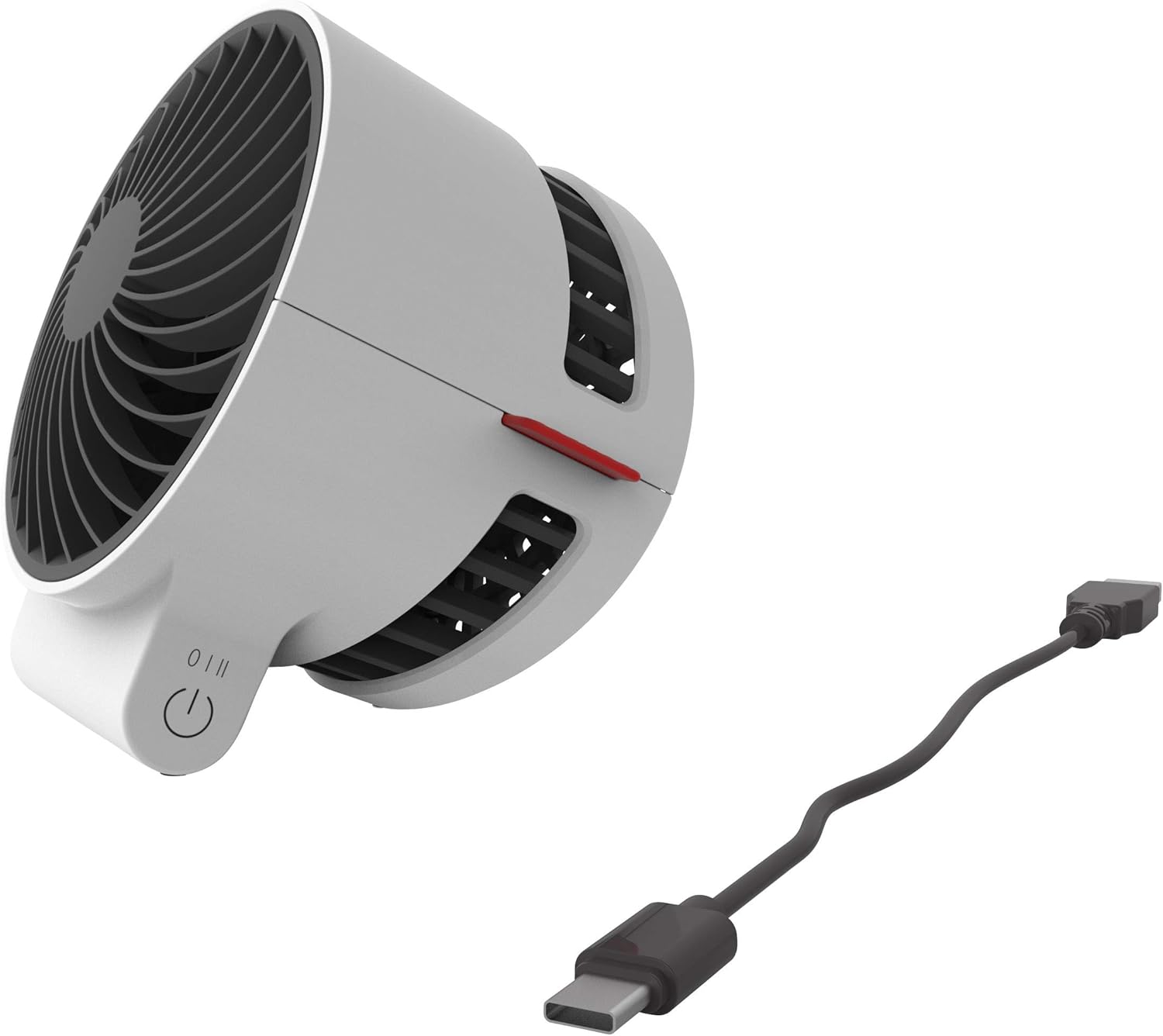
תיאור התמונה: תקריב view of the BONECO F50 fan showing the USB-C port and the connected charging cable, ready for power.
4. הוראות הפעלה
4.1 הפעלה/כיבוי ובקרת מהירות
The BONECO F50 features a simple 2-speed touch control located on its base.
- To turn the fan on and select the first speed setting, gently touch the control button.
- To increase to the second speed setting, touch the control button again.
- To turn the fan off, touch the control button a third time.
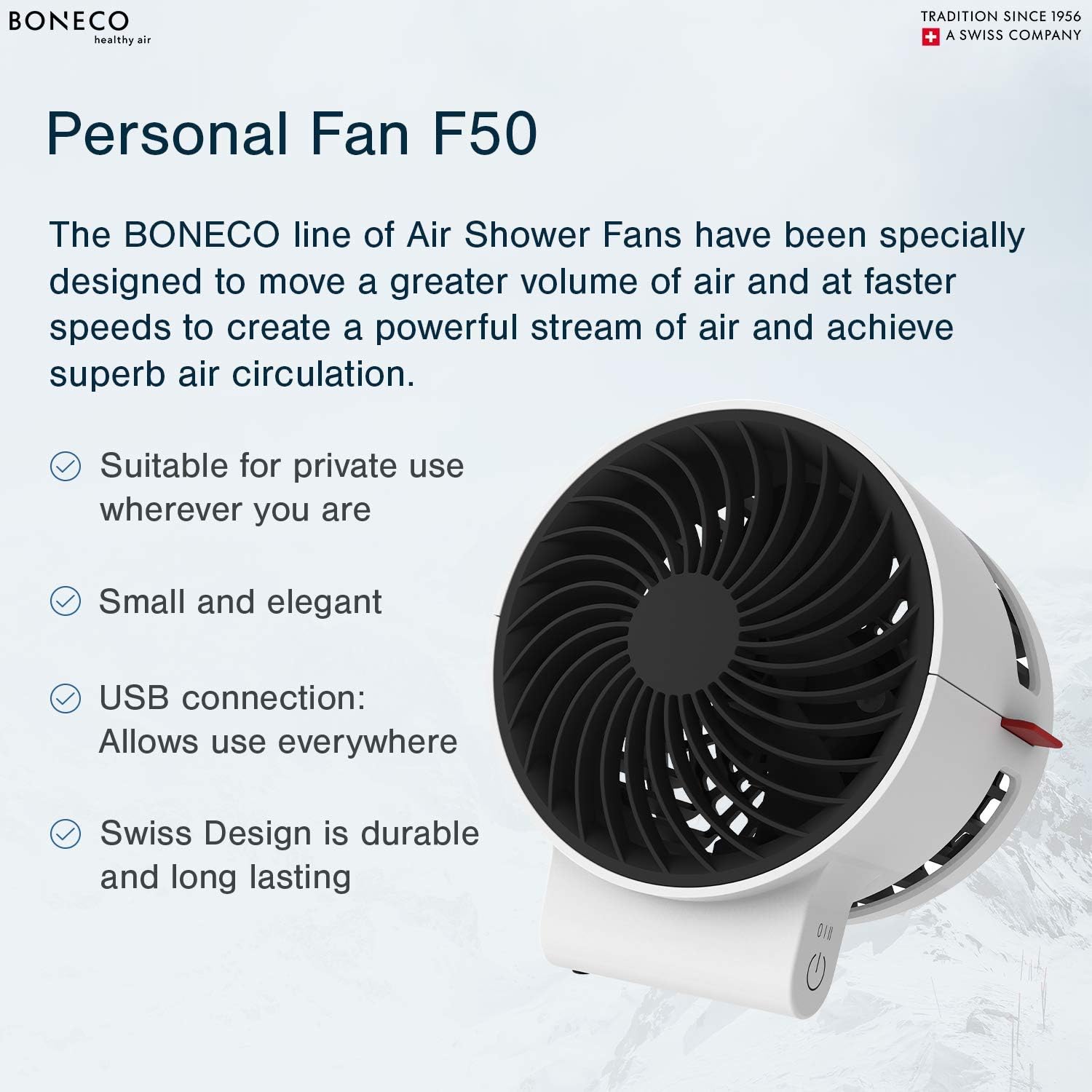
Image Description: A close-up of the BONECO F50 fan's base, highlighting the circular touch control button for power and speed adjustment.
4.2 כוונון כיוון זרימת האוויר
The fan head can be manually pivoted to direct the airflow precisely where needed. Gently tilt the fan head up or down to achieve the desired angle.

תיאור תמונה: זווית view of the BONECO F50 fan, demonstrating its ability to tilt the fan head for adjustable airflow direction.
5. תחזוקה
5.1 ניקוי
תמיד נתקו את המאוורר ממקור החשמל לפני ניקוי.
- השתמש רך, דamp מטלית לניגוב המשטחים החיצוניים של המאוורר.
- אין להשתמש בחומרי ניקוי שוחקים או ממסים, מכיוון שאלה עלולים לפגוע בגימור.
- For internal cleaning, carefully use a soft brush or a vacuum cleaner with a brush attachment to remove dust from the fan blades and grille.
5.2 אחסון
When not in use for extended periods, store the fan in its original packaging or a protective cover in a cool, dry place, away from direct sunlight and extreme temperatures.
6. פתרון תקלות
6.1 המאוורר לא נדלק
- Ensure the USB-C cable is securely connected to both the fan and a functional power source.
- Verify that the power source is active and providing power. Try a different USB port or wall adapter.
6.2 זרימת אוויר חלשה
- Check the speed setting and increase it if necessary using the touch control button.
- Ensure the fan grille and blades are free from dust and debris. Clean as per the maintenance instructions in Section 5.1.
7. מפרטים
- מותג: בונקו
- שם הדגם: F50
- מקור כוח: כבל חשמלי (USB-C)
- מספר רמות הספק: 2
- שיטת בקרה: לָגַעַת
- משקל פריט: 6.4 אונקיות
- מידות המוצר: 4.1 x 4.1 x 4.7 אינץ'
- מהtage: 2.25 וואט
- רמת רעש: 45 דציבלים
- רכיבים כלולים: Instruction manual, USB cord (wall adapter not included)

Image Description: A diagram illustrating the dimensions of the BONECO F50 Personal Air Shower Fan, showing its length, width, and height.
8. אחריות ותמיכה
8.1 מידע אחריות
This BONECO F50 Personal Air Shower Fan comes with a אחריות לשנה. Please refer to the warranty card included in the original packaging for full details, terms, and conditions.
8.2 תמיכת לקוחות
For technical assistance, troubleshooting, or warranty claims, please contact BONECO North America Corp. customer support:
- טֵלֵפוֹן: (888) 290-1688
- אֶלֶקטרוֹנִי: support@boneco.com
- Webאֲתַר: www.boneco.com


