
1. הקדמה
This manual provides essential information for setting up, operating, maintaining, and troubleshooting your ASUS ROG Strix Hero II Gaming Laptop (Model GL504GM-DS74). Designed for high-performance gaming and demanding tasks, this laptop combines powerful hardware with a sleek design to deliver an exceptional user experience.
The ASUS ROG Strix Hero II features a 15.6-inch 144Hz IPS-Type display, an Intel Core i7-8750H processor, NVIDIA GeForce GTX 1060 graphics, and a dual storage solution for speed and capacity. Please read this manual thoroughly to ensure proper use and longevity of your device.
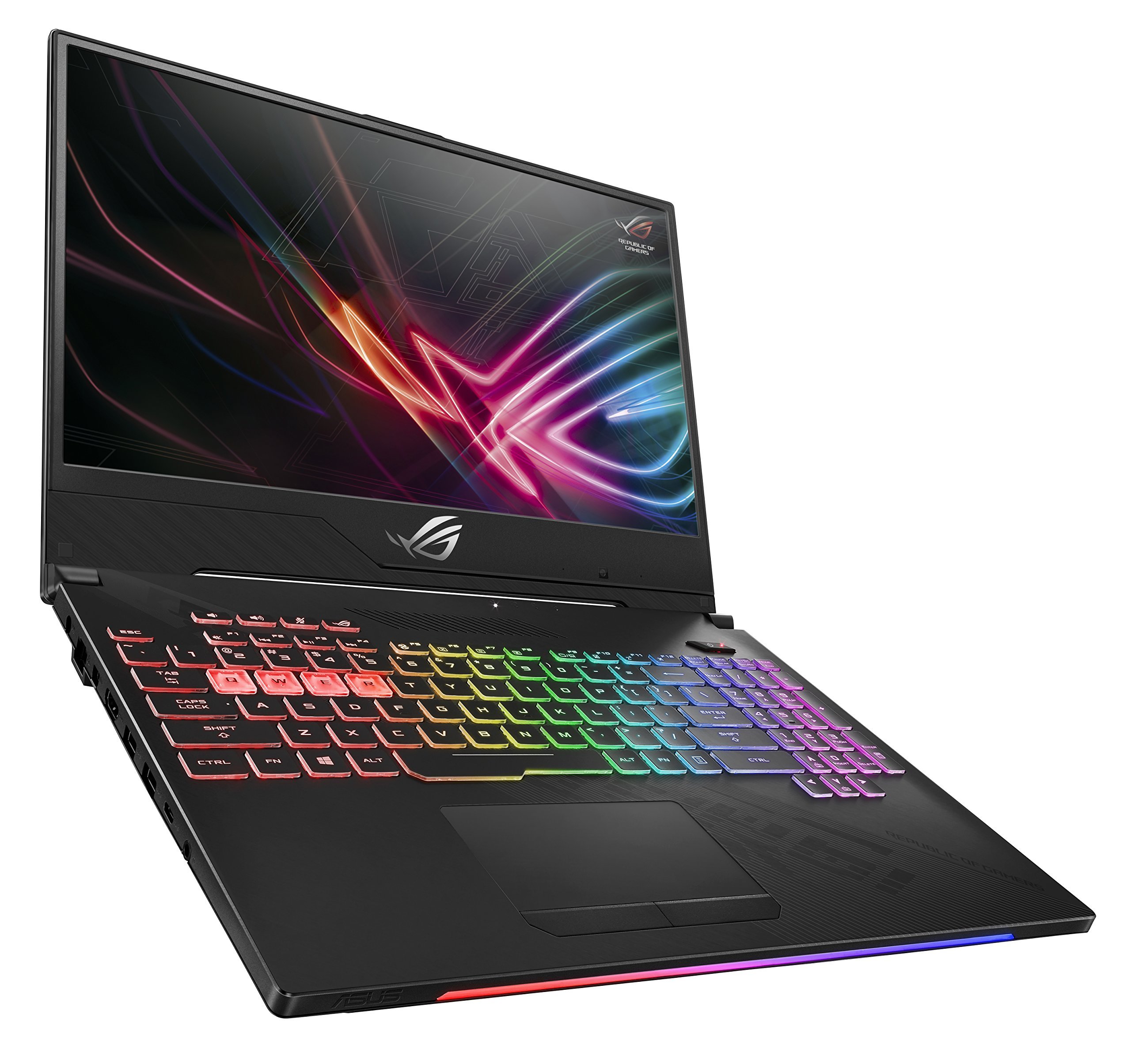
Figure 1: ASUS ROG Strix Hero II Gaming Laptop (GL504GM-DS74)
2. התקנה
2.1 פתיחת הקופסה ובדיקה ראשונית
הוציאו בזהירות את כל הרכיבים מהאריזה. ודאו שהפריטים הבאים נמצאים:
- ASUS ROG Strix Hero II Laptop (GL504GM)
- מתאם חשמל וכבל
- User E-Manual (digital copy)
- תעודת אחריות
בדקו את המחשב הנייד והאביזרים לאיתור סימני נזק. אם חסרים או ניזוקו פריטים כלשהם, צרו קשר עם הספק או עם תמיכת ASUS באופן מיידי.
2.2 חיבור חשמל
חבר את ספק הכוח לשקע החשמל של המחשב הנייד ולאחר מכן חבר את כבל החשמל לשקע בקיר. מומלץ לטעון את הסוללה במלואה לפני השימוש הראשון.
2.3 אתחול ראשוני והגדרת מערכת הפעלה
Press the power button to turn on the laptop. Follow the on-screen instructions to complete the Windows 10 Home setup process. This includes setting up your user account, network connection, and basic preferences.
3. הפעלת המחשב הנייד
3.1 תכונות תצוגה
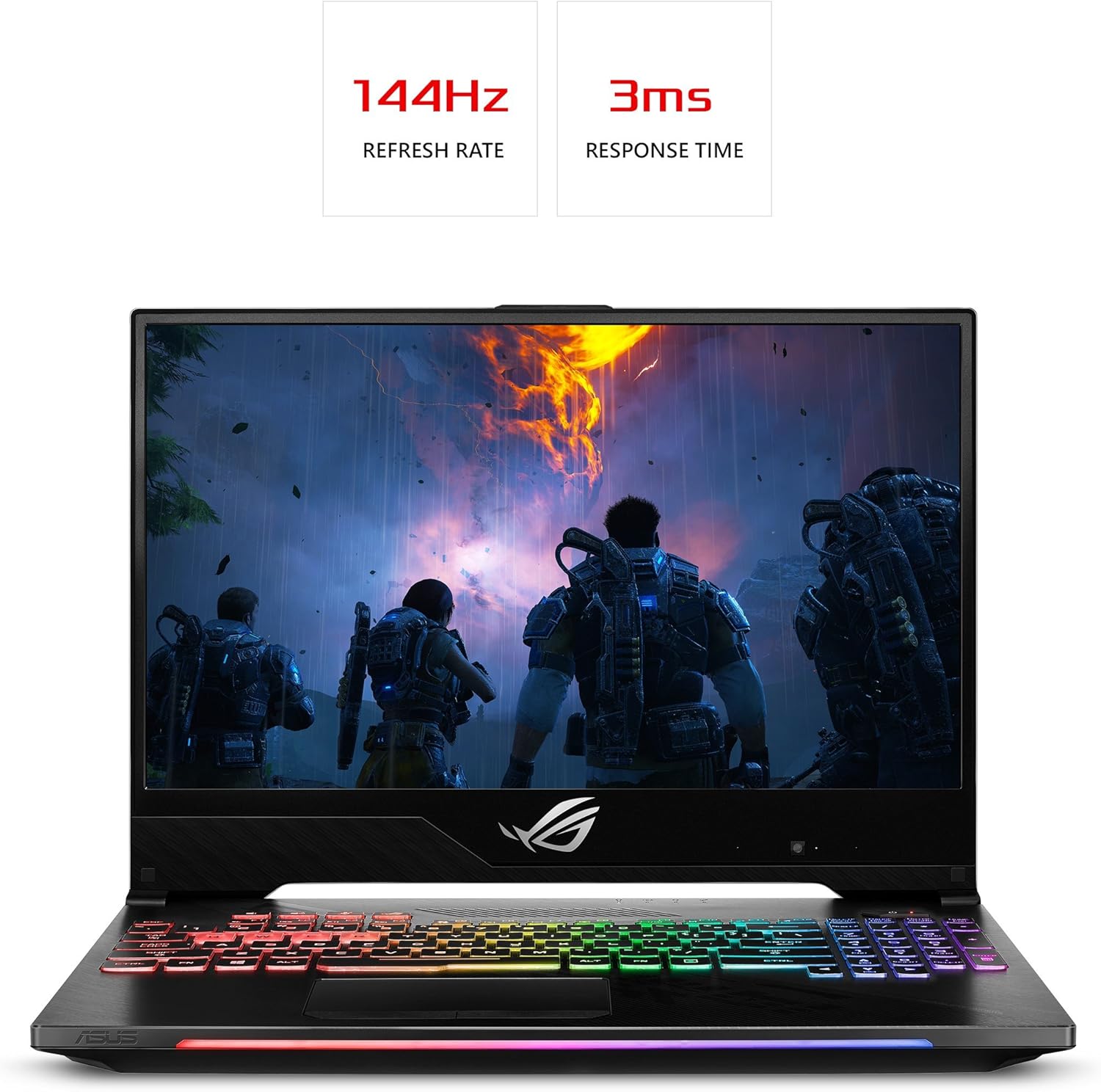
The ROG Strix Hero II is equipped with a 15.6-inch IPS-Type display כולל א קצב רענון של 144Hz וכן א זמן תגובה של 3ms. This combination ensures smooth visuals and reduced motion blur, crucial for fast-paced gaming. The slim bezel design maximizes screen real estate for an immersive viewניסיון.

Figure 2: Display with 144Hz Refresh Rate and 3ms Response Time
3.2 Keyboard and RGB Lighting
המחשב הנייד כולל desktop-inspired keyboard עם א 20-million-keystroke lifespan, designed for durability and responsiveness. The integrated תאורת RGB can be customized through ASUS Aura Sync software, allowing you to personalize the keyboard's appearance to match your gaming setup or mood.
3.3 ביצועים מעלview
The GL504GM-DS74 is powered by an מעבד אינטל Core i7-8750H (up to 3.9GHz) and an NVIDIA GeForce GTX 1060 6GB GDDR5 graphics card. Coupled with זיכרון RAM של 16 ג'יגה-בייט DDR4 2666 מגה-הרץ, this configuration provides ample power for running modern games at high settings and handling demanding applications like video editing or 3D rendering. Storage includes a fast כונן SSD PCIe NVMe בנפח 256 ג'יגה-בייט for the operating system and frequently used applications, alongside a דיסק קשיח בנפח 1TB for larger game libraries and data storage.
Video 1: Official ASUS ROG Strix Hero II Product Overview. This video highlights the laptop's design, display, keyboard, and internal components, demonstrating its capabilities for gaming and performance.
3.4 קישוריות
The laptop offers a comprehensive set of ports for various peripherals and external displays:
- 4 x יציאות USB 3.0: For connecting external devices such as mice, keyboards, and external storage.
- 1 x USB 3.1 Type C Port: A versatile port for data transfer and display output.
- 1 x HDMI 2.0 יציאת: לחיבור למסכים חיצוניים או טלוויזיות.
- 1 x Mini DisplayPort: Another option for connecting to external displays.
- 1 x יציאת Ethernet: For stable wired network connections.
Wireless connectivity is enhanced with RangeBoost Technology, providing wider Wi-Fi coverage and improved signal stability.
איור 3: צד המחשב הנייד View עם יציאות קישוריות
4. תחזוקה
Regular maintenance helps ensure optimal performance and extends the lifespan of your laptop.
4.1 ניקוי
- מָסָךהשתמשו במטלית רכה ונטולת סיבים, נגבו מעטampשטוף במים או בחומר לניקוי מסכים. הימנע מכימיקלים חזקים.
- מקלדת ושלדה: Use a soft brush or compressed air to remove dust and debris. Wipe surfaces with a slightly damp בַּד.
- פתחי קירור: Periodically clean the cooling vents with compressed air to prevent dust buildup, which can hinder airflow and lead to overheating. The HyperCool Pro system benefits from clear vents.
4.2 עדכוני תוכנה
Regularly update your Windows operating system, device drivers (especially graphics drivers), and ASUS utilities to ensure system stability, security, and performance. You can check for updates through Windows Update and the NVIDIA GeForce Experience application.
4.3 טיפול בסוללה
To prolong battery life, avoid fully discharging the battery frequently. If you primarily use the laptop while plugged in, consider using battery care software (if provided by ASUS) to limit the charge level to around 80%.
5. פתרון תקלות
אם נתקלת בבעיות במחשב הנייד שלך, נסה את שלבי פתרון הבעיות הבסיסיים הבאים:
- אין כוחודא שמתאם החשמל מחובר היטב הן למחשב הנייד והן לשקע חשמל תקין. נסה שקע אחר.
- בעיות תצוגה: If the screen is blank, try connecting an external monitor to check if the issue is with the laptop's display. Ensure graphics drivers are up to date.
- האטת ביצועים: Close unnecessary applications, check for background processes, and ensure the cooling vents are clear. Update drivers and scan for malware.
- חוסר יציבות מערכתית: Perform a system restart. If issues persist, check for recent software installations or updates that might be causing conflicts.
For more complex issues, refer to the comprehensive User E-Manual (digital copy) or visit the official ASUS support website for detailed troubleshooting guides and driver downloads.
6. מפרטים
| תכונה | מִפרָט |
|---|---|
| שם הדגם | ROG Strix Hero II (GL504GM-DS74) |
| גודל מסך | 15.6 אינץ' |
| רזולוציית מסך | 1920 x 1080 פיקסלים (Full HD) |
| מעבד | אינטל Core i7-8750H (עד 3.9 גיגה-הרץ) |
| אַיִל | 16 ג'יגה-בייט DDR4 2666 מגה-הרץ |
| אִחסוּן | כונן SSD PCIe NVMe בנפח 256 גיגה-בייט + כונן קשיח בנפח 1 טרה-בייט (5400 סל"ד) |
| מעבד גרפי | כרטיס מסך NVIDIA GeForce GTX 1060 בנפח 6GB GDDR5 |
| מַעֲרֶכֶת הַפעָלָה | Windows 10 Home |
| יציאות USB | 4 x USB 3.0, 1 x USB 3.1 Type C |
| פלט וידאו | HDMI 2.0, Mini DisplayPort |
| סוג אלחוטי | 802.11a/b/g/n/ac |
| משקל פריט | 5.29 פאונד |
| מידות המוצר | 14.21 x 10.31 x 1.03 אינץ' |
| סוֹלְלָה | סוללת ליתיום פולימר אחת (כלול) |
7. אחריות ותמיכה
Your ASUS ROG Strix Hero II Gaming Laptop comes with a manufacturer's warranty. Please refer to the included תעודת אחריות for detailed terms and conditions, including coverage period and service procedures.
לסיוע טכני, הורדות מנהלי התקנים או תמיכה נוספת, אנא בקרו באתר התמיכה הרשמי של ASUS website or contact their customer service. Keep your product's serial number (found on the bottom of the laptop or packaging) handy when seeking support.
For the most up-to-date information, please visit the official ASUS webאֲתַר.