
1. המוצר נגמרview
The EJEAS V6 Bluetooth Intercom Headset is designed for clear communication among riders. It supports up to 6 rider connections with real-time intercom for 2 riders, offering a maximum range of 800m (600-800m in environments with interference). This device is suitable for most motorcycle helmets and features Bluetooth 5.1 connectivity, CVC noise reduction, and a large capacity battery.

Image: The EJEAS V6 Bluetooth Intercom unit, showing its compact design and control buttons.
2. תכולת החבילה
החבילה כוללת את הפריטים הבאים:
- 1 x Bluetooth Motorcycle Intercom Unit
- 1 x Ear Speaker and Microphone Headset
- 1 x כבל USB
- 2 x Self-adhesive Headphone Felt Pads
- 1 x מברג
- 1 x Headphone Clamp and Mounting Screws
- 1 x מדריך למשתמש

Image: All components included in the EJEAS V6 Bluetooth Intercom package, laid out neatly, including the intercom unit, headset, cables, and mounting accessories.
3. פריסת המכשיר ובקרות
Familiarize yourself with the buttons and ports on your EJEAS V6 intercom unit.

Image: Detailed diagram showing the antenna, power on/off, phone/play, volume controls, and headphone jack on the EJEAS V6 intercom unit. Dimensions of the unit and cables are also shown.
- אַנטֶנָה: להעברת אותות.
- Rider E / Power On/Off / Rider A: Multi-function buttons for power and intercom connections.
- Phone / Play: Button for call management and music playback.
- Rider B / Rider C / Rider D: Buttons for connecting to other intercom units.
- נפח +/-: מכוונן את עוצמת השמע.
- שקע אוזניות: Connects the ear speaker and microphone headset.
4. התקנה והתקנה
4.1. טעינת ההתקן
Before first use, fully charge the intercom unit. The device features a Type-C interface for charging.

Image: The EJEAS V6 intercom unit connected to a power adapter via a USB-C cable for charging, also showing the Type-C interface for headphones and software upgrades.
The charging cable provided is for charging only and does not support data transmission. For software upgrades, use a Type-C data cable with data transmission functionality.
4.2. Pairing Two V6 Intercoms
Follow these steps to pair two EJEAS V6 intercom units for communication:
- הפעלה: Short-press the intercom button on both devices to turn them on. The indicator light will flash blue.
- היכנסו למצב התאמה: Long-press the intercom button on both devices until the indicator lights flash red and blue alternately.
- בחר מאסטר: Choose one device as the master. Click the intercom button on the master device to start searching for the other unit.
- צימוד הושלם: When both devices flash blue at the same rate, pairing is complete.
- היכנסו למצב אינטרקום: לחץ על כפתור האינטרקום במכשיר הראשי כדי להיכנס למצב אינטרקום.
Video: A visual guide demonstrating the steps to pair two EJEAS V6 intercom units.
4.3. Reconnecting Two V6 Intercoms
To reconnect two V6 intercoms after initial pairing:
- התקני אתחול: Short-press the intercom button on both V6 intercoms to turn them on.
- התחל חיבור: Click the intercom button on either device (master or slave) to initiate the connection.
Video: A visual guide demonstrating how to pair and reconnect EJEAS V6 intercom units.
5. הוראות הפעלה
5.1. תקשורת אינטרקום
The V6 system supports up to 6 rider connections and real-time intercom for 2 riders. The maximum effective distance is 800 meters.

Image: An illustration depicting six motorcycle riders connected via the EJEAS V6 intercom system, highlighting the 1200m ideal distance.
5.2. קישוריות בלוטות'
The intercom connects to mobile phones and GPS devices via Bluetooth 5.1. Key functions include:
- האזנה למוזיקה
- Receiving voice commands from GPS
- Activating Siri and other mobile assistants
- Automatic call answering within 5 seconds
- Ending calls with a single button
- חיוג חוזר לשיחה האחרונה
5.3. הפחתת רעש
The V6 features advanced DSP noise reduction technology, which effectively reduces background noise by over 90%. This ensures clear voice quality even at speeds up to 120 km/h.
6. Battery and Durability
The EJEAS V6 intercom is equipped with an 850 mAh large capacity battery.
- זמן שימוש: עד 18 שעות
- זמן המתנה: עד 260 שעות
The device is IP67 waterproof, making it suitable for various applications and weather conditions.
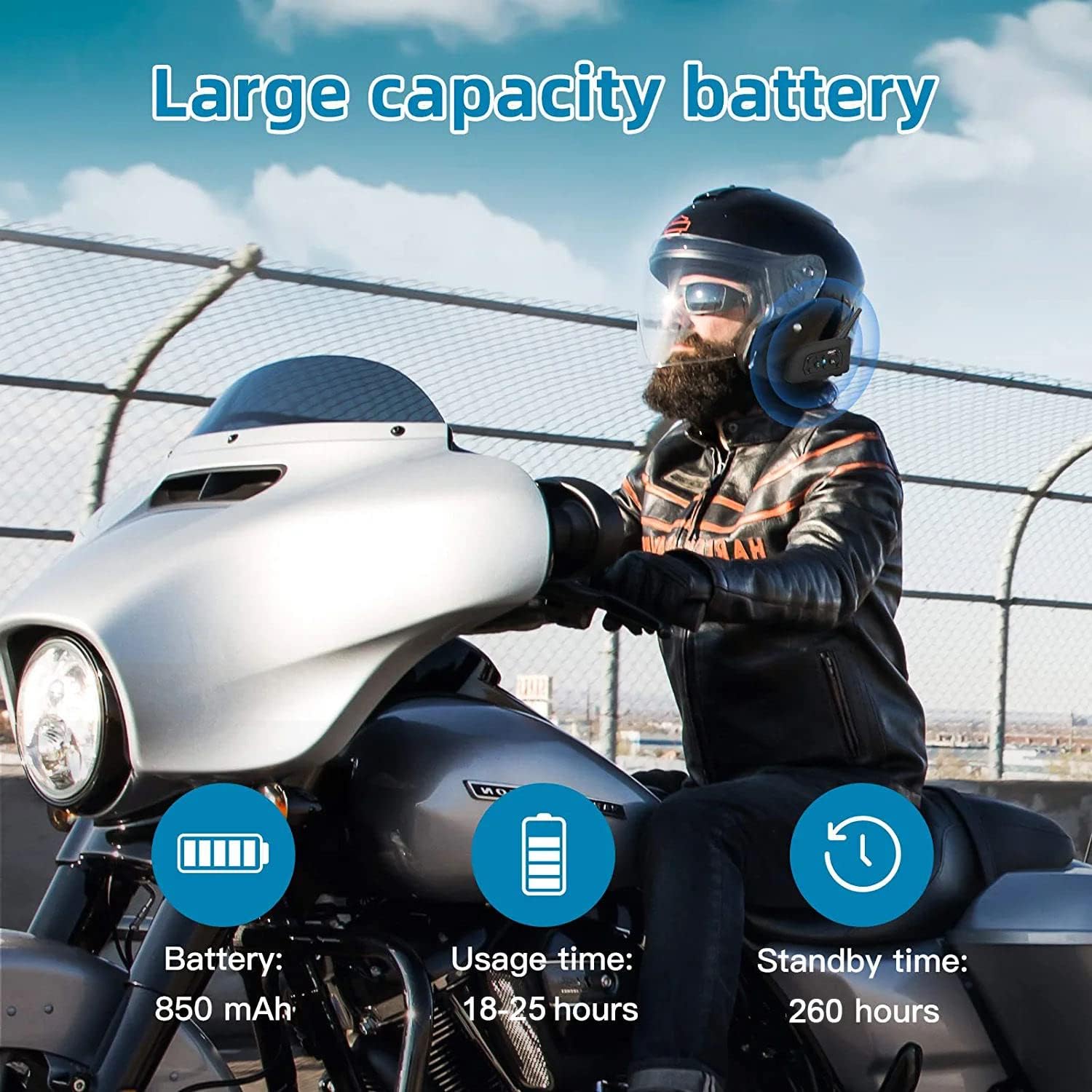
Image: An illustration highlighting the large battery capacity (850mAh), usage time (18-25 hours), standby time (260 hours), Bluetooth 5.1 chip, IP65 waterproof rating, GPS support, DSP noise reduction, 2-person real-time chat, call function, and music playback.
7. יישומים
The EJEAS V6 Bluetooth headset is versatile and can be used in various scenarios, including:
- Motorcycle riding
- סקִי
- אתרי בנייה
- Referee communication

Image: A collage showing the EJEAS V6 intercom being used for motorcycle riding, skiing, referee communication, and on a construction site.
8. מפרטים
| תכונה | פְּרָט |
|---|---|
| מותג | EJEAS |
| שם הדגם | V6 |
| טכנולוגיית קישוריות | אלחוטי (Bluetooth) |
| גרסת בלוטות' | 3.0 |
| מיקום אוזניים | מעל האוזן |
| גורם צורה | בתוך האוזן |
| בקרת רעש | ביטול רעשים אקטיבי |
| מחבר אוזניות | USB-C |
| עַכָּבָּה | 50 אוהם |
| טווח תדרים | 20 הרץ - 20,000 הרץ |
| קיבולת סוללה | 850 מיליאמפר/שעה |
| זמן טעינת הסוללה | 3 שעות |
| חיי סוללה (המתנה) | 260 שעות |
| רמת עמידות במים | אֲטִימוּת |
| חוֹמֶר | פּלָסטִי |
| סוג בקרה | בקרת עוצמת הקול |
| שיטת בקרה | Voice-controlled, Touch |
| מכשירים תואמים | אופנועים |
9. פתרון תקלות
If you encounter any issues with your EJEAS V6 intercom, please consider the following:
- אין כוח: ודא שהמכשיר טעון במלואו. חבר אותו למקור חשמל באמצעות כבל ה-USB-C המצורף.
- בעיות זיווג: Repeat the pairing steps carefully. Ensure both devices are in pairing mode (flashing red and blue) before initiating the search from the master unit.
- ניתוק אינטרקום: If the intercom disconnects, try re-initiating the connection by pressing the intercom button on either unit. Ensure you are within the effective range (up to 800m).
- איכות שמע ירודה: Check the microphone and speaker placement within your helmet. Ensure the CVC noise reduction is active.
- Bluetooth Connection to Phone: If your phone doesn't connect, ensure Bluetooth is enabled on your phone and the V6 is in pairing mode. Forget the device on your phone and try pairing again.
10. אחריות ותמיכה
For warranty information and technical support, please refer to the official EJEAS webאתר או צור קשר עם הקמעונאי שלך. שמור את קבלת הרכישה שלך לצורך תביעות אחריות.