
מָבוֹא
This manual provides essential instructions for the setup, operation, and maintenance of your ADE WS1000 Replacement Outdoor Sensor. This single-channel sensor is designed to provide accurate outdoor temperature readings for compatible ADE weather stations and alarm clocks. Please read this manual thoroughly before use to ensure proper functionality and longevity of your device.
תוכן החבילה
- 1 x ADE WS1000 Outdoor Sensor
Note: 2 AAA batteries are required for operation and are not included in the package.
תְאִימוּת
The ADE WS1000 outdoor sensor is compatible with the following ADE devices:
- ADE Weather Stations: WS1703, WS1704, WS1711, WS1911, WS2132, WS2136, WS2324, WS2331
- ADE Projection Alarm Clock: CK2406
This sensor operates on a single channel and is intended as a replacement unit. It cannot be paired with other outdoor sensors simultaneously.
הגדרה
1. התקנת סוללות
- Locate the battery compartment on the back of the ADE WS1000 sensor.
- פתח את מכסה תא הסוללות.
- Insert 2 new AAA batteries, ensuring correct polarity (+ and -).
- סגור היטב את מכסה תא הסוללות.
2. Pairing with Your Main Unit
After installing batteries, the sensor will automatically begin transmitting data. To pair it with your compatible ADE weather station or alarm clock:
- Ensure your main ADE unit (weather station or alarm clock) is powered on and within range of the sensor.
- Refer to your main unit's instruction manual for specific pairing instructions. Typically, this involves initiating a sensor search function on the main unit.
- Once paired, the outdoor temperature reading from the WS1000 sensor will appear on your main unit's display.
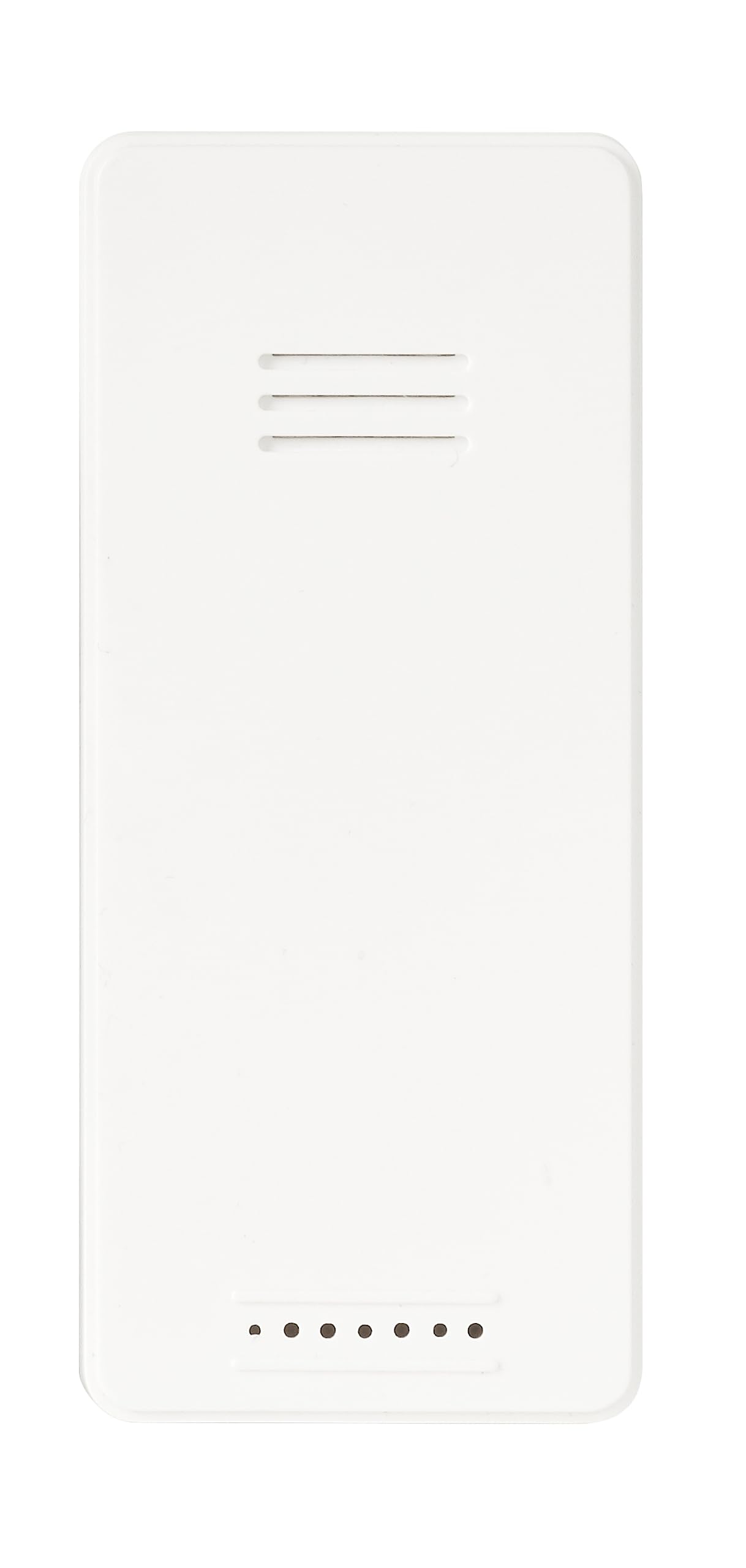
תמונה: חזית view of the ADE WS1000 Outdoor Sensor. The sensor is white, rectangular, with horizontal ventilation slits at the top and small indicator dots at the bottom.
הוראות הפעלה
The ADE WS1000 sensor is designed for continuous operation once paired. It transmits outdoor temperature data to your main unit via a 433 MHz radio frequency.
- מיקום: For accurate readings, place the sensor in a shaded area, protected from direct sunlight and precipitation. Ensure it is within the effective transmission range of your main unit.
- העברת נתונים: The sensor automatically sends temperature updates at regular intervals.
- נוריות חיווי: Some sensors may have a small LED indicator that flashes during data transmission.
תַחזוּקָה
- ניקוי: נגב את החיישן מעת לעת בעזרת מטלית רכהamp בַּד. אין להשתמש בחומרי ניקוי שוחקים או ממסים.
- החלפת סוללה: Replace batteries when the low battery indicator appears on your main unit, or if the sensor stops transmitting data. Always replace both batteries with new ones of the same type (AAA).
- הגנת הסביבה: Although the sensor is weather-resistant, prolonged exposure to extreme conditions (e.g., heavy rain, snow, direct sun) can affect its lifespan. Consider placing it under an overhang or in a sheltered location.
פתרון בעיות
| בְּעָיָה | סיבה אפשרית | פִּתָרוֹן |
|---|---|---|
| No outdoor temperature display on main unit. |
|
|
| קריאת טמפרטורה לא מדויקת. |
|
|
מפרטים
| מספר דגם | WS1000 |
| מותג | ADE |
| מידות (H x W x D) | 90 x 34 x 20 מ"מ (בערך 3.54 x 1.34 x 0.79 אינץ') |
| מִשׁקָל | 30 גרם (כ-1.06 אונקיות) |
| מקור כוח | 2 x AAA סוללות (לא כלול) |
| תדר שידור | 433 מגה-הרץ |
| חוֹמֶר | פּלָסטִי |
| תכונות מיוחדות | Portable, Weather-resistant |
אחריות ותמיכה
Specific warranty information for the ADE WS1000 sensor is not provided in this document. Please refer to the warranty policy included with your original purchase or contact ADE customer support for details.
For further assistance or technical support, please visit the official ADE webבאתר או צרו קשר עם מחלקת שירות הלקוחות שלהם. פרטי התקשרות ניתן למצוא בדרך כלל על אריזת המוצר או על כתב היצרן webאֲתַר.