
1. הקדמה
The Awei Y200 Wireless Bluetooth Speaker delivers high-fidelity stereo sound and rich bass in a portable design. This manual provides comprehensive instructions for setting up, operating, maintaining, and troubleshooting your speaker to ensure optimal performance and longevity.

חֲזִית view of the Awei Y200 Wireless Bluetooth Speaker, showcasing its yellow top panel with touch controls and a yellow mesh grille.
2. תכולת החבילה
אנא ודא שכל הפריטים נמצאים בחבילה שלך:
- רמקול בלוטות' אלחוטי Awei Y200
- כבל טעינה USB
- כבל שמע AUX
- מדריך למשתמש
3. המוצר נגמרview
Familiarize yourself with the speaker's physical features:
- ממשקים: Includes AUX input, Micro-SD card slot, and a Type-A (USB) port for versatile connectivity.
- כפתורים: Intuitive touch controls located on the top panel for power, volume adjustment, track navigation, and call management.
- בָּסִיס: Equipped with a non-slip base to ensure stability on various surfaces.

A detailed diagram pointing out the speaker's interfaces (AUX, Micro-SD, Type-A), touch control buttons, and non-slip base.
4. התקנה
4.1 טעינת הרמקול
- חבר את כבל הטעינה USB המצורף לשקע הטעינה של הרמקול.
- חבר את הקצה השני של כבל ה-USB למקור מתח USB תואם (למשל, מתאם קיר, יציאת USB של מחשב).
- The charging indicator light will illuminate, indicating that the speaker is charging.
4.2 הפעלה/כיבוי
- To power on, press and hold the power button on the top panel until you hear an audible prompt.
- To power off, press and hold the power button again until the speaker powers down.
5. הוראות הפעלה
5.1 זיווג בלוטות '
- Ensure the speaker is powered on. It will automatically enter Bluetooth pairing mode, indicated by a flashing light or audible prompt.
- On your mobile device (smartphone, tablet, laptop), enable Bluetooth in its settings.
- חפש available Bluetooth devices and select "Awei Y200" from the list.
- צליל אישור יציין צימוד מוצלח. הרמקול מוכן כעת להשמעת שמע.
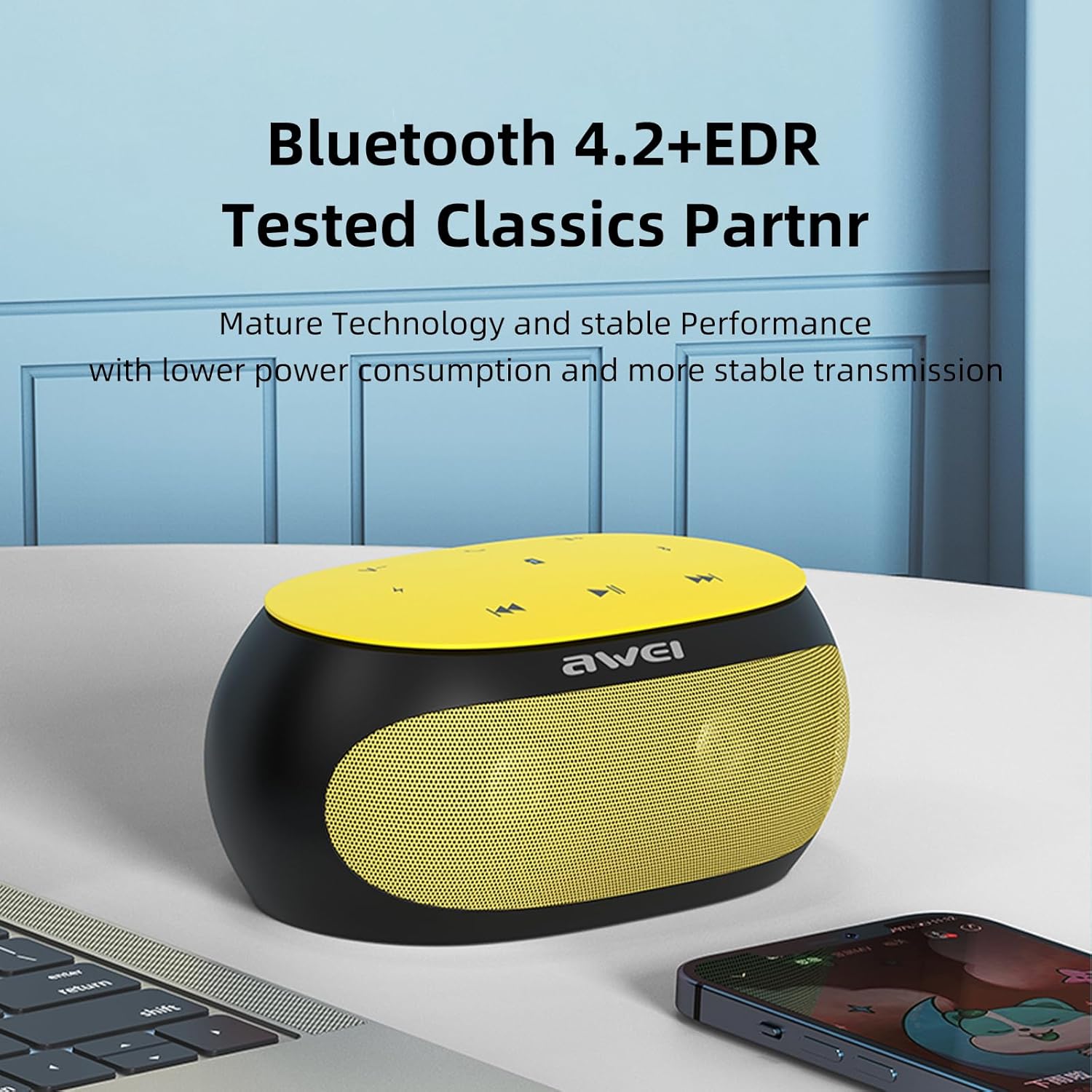
The Awei Y200 speaker, featuring Bluetooth 4.2+EDR for stable and low-power wireless connectivity.
5.2 נגינה
- מצב Bluetooth: Once paired, play music from your connected device. Use the speaker's touch controls for play/pause, next/previous track, and volume adjustment.
- מצב כרטיס TF: Insert a TF (Micro-SD) card containing audio files into the designated slot. The speaker will automatically switch to TF card mode and begin playback.
- מצב AUX: Connect an audio device using a 3.5mm AUX cable to the speaker's AUX port. The speaker will switch to AUX mode for wired audio input.
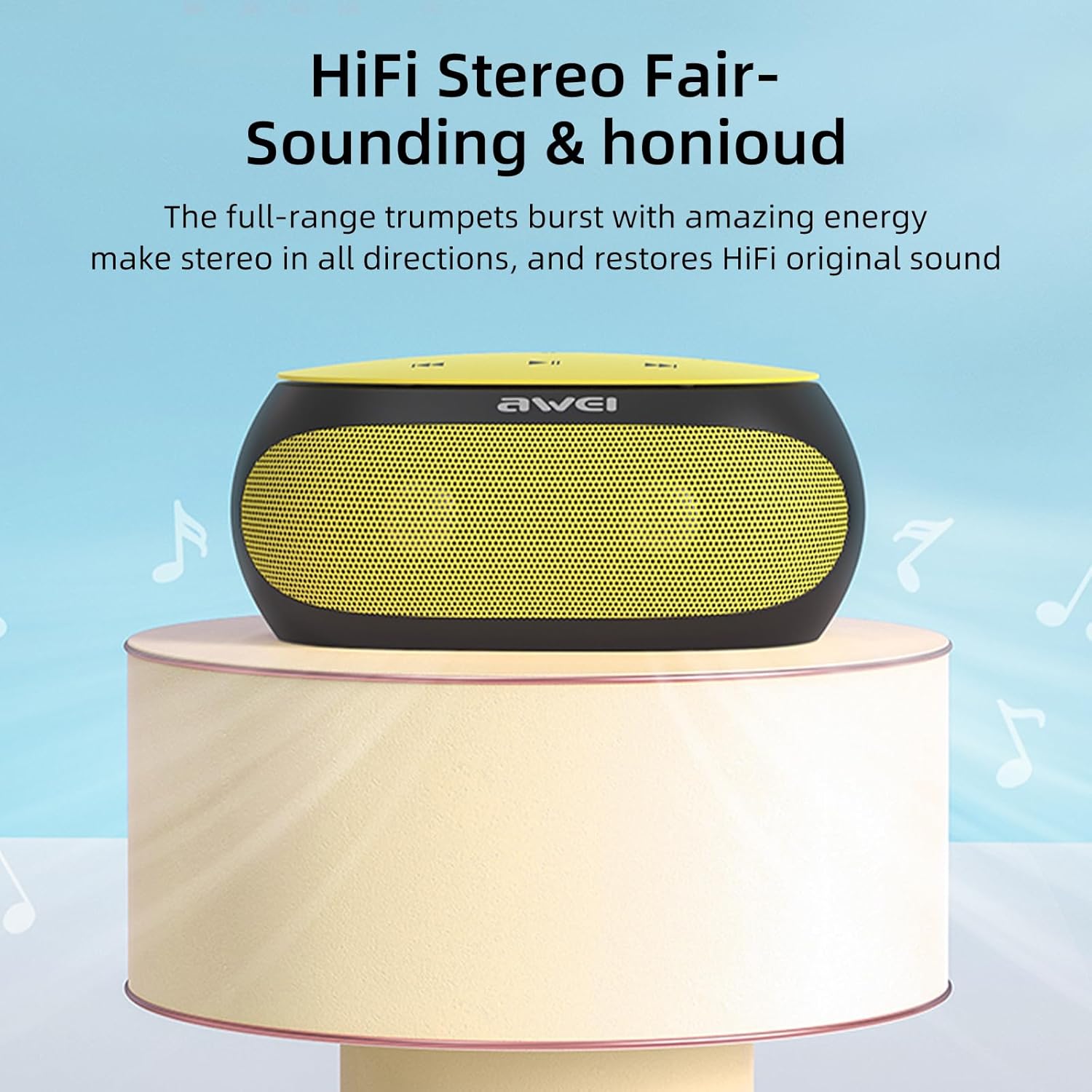
The Awei Y200 speaker positioned to emphasize its HiFi stereo sound capabilities, restoring original audio quality.
5.3 שיחות ללא ידיים
- When a call comes in while connected via Bluetooth, press the call button on the speaker to answer the incoming call.
- Press the call button again to end the call.
- The built-in dual microphones ensure clear communication during calls.

The Awei Y200 speaker next to a smartphone, illustrating its hands-free call function with built-in dual microphones.
5.4 Touch Controls Overview
- לחצן הפעלה: לחץ לחיצה ממושכת כדי להפעיל או לכבות את הרמקול.
- לחצן הפעלה/השהה: הקש כדי להפעיל או להשהות את השמעת האודיו.
- הגברת עוצמת הקול / הרצועה הבאה: Tap to increase volume. Press and hold to skip to the next track.
- הורדת עוצמת הקול / רצועה קודמת: Tap to decrease volume. Press and hold to go to the previous track.
- כפתור חיוג: Tap to answer an incoming call or end an ongoing call.
6. תחזוקה
- Keep the speaker dry and away from moisture or liquids.
- Clean the speaker with a soft, dry cloth. Avoid using harsh chemicals, solvents, or abrasive cleaners.
- אין לחשוף את הרמקול לטמפרטורות קיצוניות (חמות או קור).
- הימנעו מהפלת הרמקול או מחשיפתו לפגיעות חזקות.
- כאשר הרמקול אינו בשימוש למשך תקופות ממושכות, יש לאחסן אותו במקום קריר ויבש.
7. פתרון תקלות
- הרמקול לא נדלק:
- Ensure the battery is sufficiently charged. Connect the speaker to a power source using the USB charging cable. - לא ניתן להתאים באמצעות Bluetooth:
- Ensure the speaker is in Bluetooth pairing mode (indicated by a flashing light or audible prompt).
- Verify that Bluetooth is enabled on your device.
- Move the speaker closer to your device to ensure it is within range.
- Try clearing previous Bluetooth connections on your device and attempt pairing again. - אין קול:
- בדקו את עוצמת הקול הן ברמקול והן במכשיר המחובר.
- Ensure the correct input mode (Bluetooth, TF Card, or AUX) is selected.
- If using AUX mode, verify that the audio cable is securely connected at both ends. - איכות סאונד ירודה:
- Ensure the speaker is within the optimal Bluetooth range of your device.
- Check for potential interference from other wireless devices.
- Try playing audio from a different source or using a different audio file כדי לשלול בעיות מקור.
8. מפרטים
| תכונה | מִפרָט |
|---|---|
| דֶגֶם | Y200 |
| מותג | אווי |
| טכנולוגיית קישוריות | בלוטות' |
| טכנולוגיות תקשורת אלחוטית | בלוטות' |
| גרסת בלוטות' | 4.2 + EDR |
| מצב פלט שמע | סטריאו |
| תפוקת הספק מקסימלית של הרמקול | 10 וואט |
| פלט וואטtage | 4.5 וואט |
| רַמקוֹל Ampסוג הסמכה | פָּעִיל |
| עַכָּבָּה | 4 אוהם |
| שיטת בקרה | לָגַעַת |
| מקור כוח | מופעל על סוללה |
| חיי סוללה ממוצעים | 6 שעות |
| זמן טעינה | 2 שעות |
| מידות המוצר | 21D x 10W x 8.5H סנטימטרים |
| משקל פריט | 0.56 קילוגרם |
| סוג חומר | פּלָסטִי |
| טווח מקסימלי | 33 רגל |
| רכיבים כלולים | רַמקוֹל |
| מכשירים תואמים | מחשב נייד, סמארטפון, טאבלט, טלוויזיה |
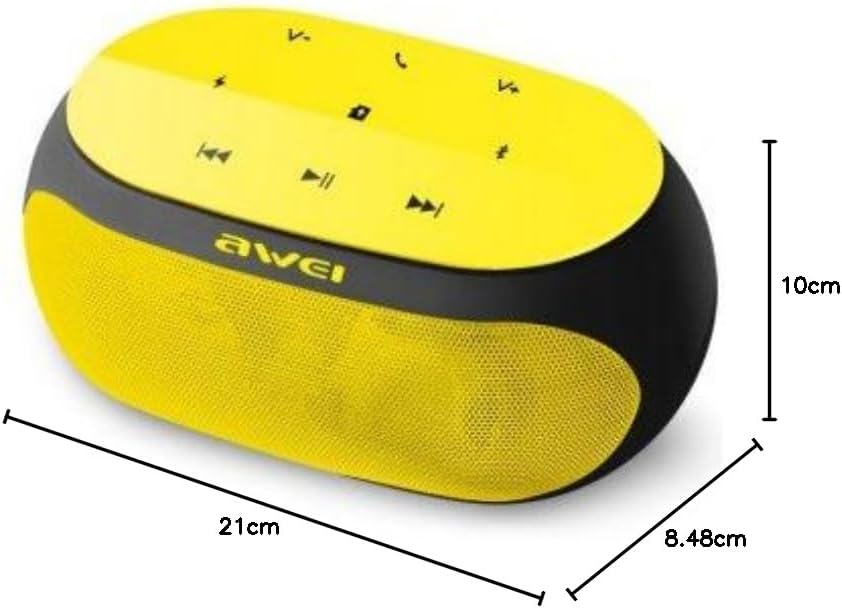
An image displaying the physical dimensions of the Awei Y200 speaker: 21cm length, 10cm width, and 8.48cm height.
9. מידע על אחריות
The Awei Y200 Wireless Bluetooth Speaker comes with a full warranty. For specific terms, conditions, and duration of your warranty, please refer to the documentation provided at the time of purchase or contact your retailer.
10. תמיכה
Should you require further assistance, encounter issues not covered in this manual, or have any questions regarding your Awei Y200 speaker, please contact Awei customer support or the retailer from whom you purchased the product. Please have your product model number (Y200) and purchase details ready when seeking support.