
1. הקדמה
Thank you for choosing the Casio Baby-G BG-6903-2ER Digital Watch. This timepiece is designed for durability and functionality, featuring shock resistance and 200-meter water resistance, making it suitable for various activities. This manual provides essential information for setting up, operating, and maintaining your watch.
תמונה 1.1: חזית view of the Casio Baby-G BG-6903-2ER digital watch, showcasing its blue resin case and strap, and digital display.
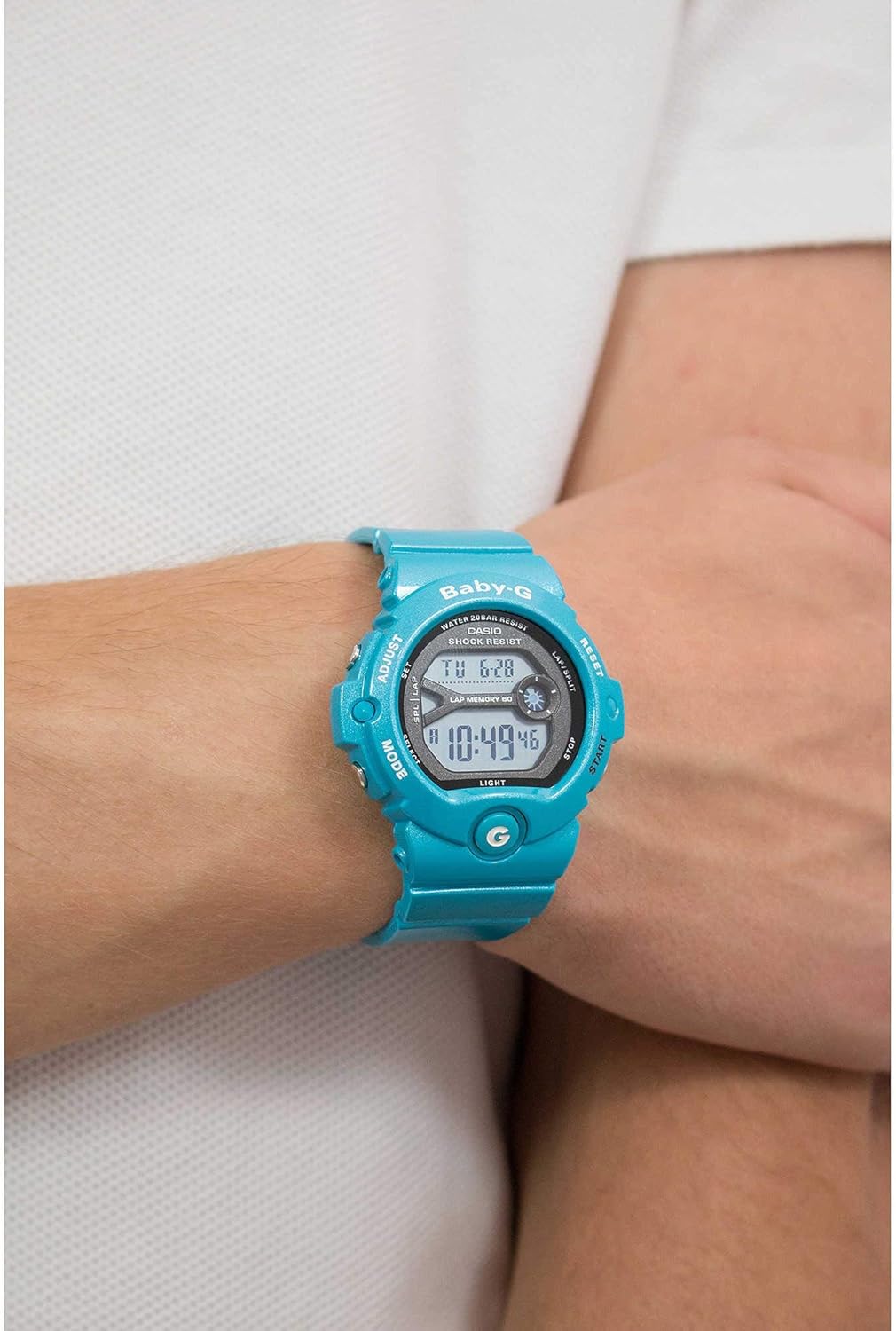
Image 1.2: The Casio Baby-G BG-6903-2ER watch worn on a wrist, illustrating its size and fit.
2. התקנה
2.1 פתיחת הקופסה ובדיקה ראשונית
Upon receiving your watch, carefully remove it from its packaging. Inspect the watch for any visible damage. Ensure all protective films are removed from the display and case back.
Image 2.1: The hexagonal tin packaging for the Casio Baby-G watch.
2.2 הגדרת השעה והתאריך
- במצב שמירת זמן, לחצו והחזיקו את המקש לְהַתְאִים button (top left) until the city code starts to flash, indicating the setting screen.
- השתמש ב- MODE button (bottom left) to cycle through the settings: City Code, DST (Daylight Saving Time), 12/24-hour format, Seconds, Hour, Minute, Year, Month, Day.
- השתמש ב- הַתחָלָה button (bottom right) and אִתחוּל button (top right) to change the flashing value.
- לאחר שכל ההגדרות נכונות, לחצו על הלחצן לְהַתְאִים שוב כדי לצאת ממסך ההגדרות.
2.3 כוונון רצועה
The resin strap features a buckle closure. Adjust the strap length by selecting the appropriate hole for a comfortable and secure fit on your wrist. Ensure the watch is not too tight to allow for proper circulation, nor too loose to prevent excessive movement.
3. הפעלת השעון
3.1 ניווט במצב
הקש על MODE כפתור (למטה משמאל) כדי לעבור בין המצבים השונים:
- מצב שמירת זמן: מציג את השעה והתאריך הנוכחיים.
- מצב זמן עולם: מציג את השעה הנוכחית בערים שונות ברחבי העולם.
- מצב שעון עצר: משמש למדידת הזמן שחלף.
- מצב טיימר: פונקציית טיימר ספירה לאחור.
- מצב אזעקה: Allows setting multiple daily alarms.
3.2 פונקציית שעון עצר
- נווט למצב שעון עצר באמצעות MODE לַחְצָן.
- הקש על הַתחָלָה button (bottom right) to begin timing.
- לִלְחוֹץ הַתחָלָה שוב כדי לעצור את התזמון.
- הקש על אִתחוּל כפתור (למעלה מימין) כדי לאפס את שעון העצר.
- The watch also features a Lap Memory function, indicated by "LAP MEMORY 60" on the display, allowing you to record up to 60 lap/split times.
3.3 פונקציית טיימר
- Navigate to the Timer Mode.
- לחץ והחזק את לְהַתְאִים לחצן כדי להיכנס למצב הגדרת טיימר.
- השתמש ב- MODE כפתור כדי לבחור את הגדרת השעה או הדקות.
- השתמש ב- הַתחָלָה ו אִתחוּל לחצנים לשינוי הערכים.
- לִלְחוֹץ לְהַתְאִים כדי לצאת ממצב הגדרות.
- לִלְחוֹץ הַתחָלָה כדי להתחיל את הספירה לאחור. תישמע אזעקה כאשר הטיימר יגיע לאפס.
3.4 פונקציית אזעקה
- Navigate to the Alarm Mode.
- השתמש ב- הַתחָלָה button to scroll through the available alarms (AL1, AL2, etc.) and the Hourly Signal Time (SIG).
- To set an alarm, select the desired alarm and press and hold the לְהַתְאִים לַחְצָן.
- השתמש ב- MODE כפתור לבחירת שעה או דקה, ו הַתחָלָה/אִתחוּל לשנות ערכים.
- לִלְחוֹץ לְהַתְאִים כדי לאשר ולצאת.
- לִלְחוֹץ הַתחָלָה to toggle the alarm or hourlאות זמן y הפעלה/כיבוי.
3.5 תאורה אחורית
הקש על אוֹר button (bottom left, below MODE) to illuminate the display for easy viewבתנאי תאורה חלשה.
4. תחזוקה
4.1 ניקוי השעון
To maintain the appearance of your watch, wipe it regularly with a soft, dry cloth. For stubborn dirt, use a soft cloth dampשטפו במים וחומר ניקוי ניטרלי עדין, ולאחר מכן נגבו יבש. הימנעו משימוש בחומרים נדיפים כמו מדלל או בנזין, מכיוון שהם עלולים לפגוע ברכיבי השרף.
4.2 עמידות במים
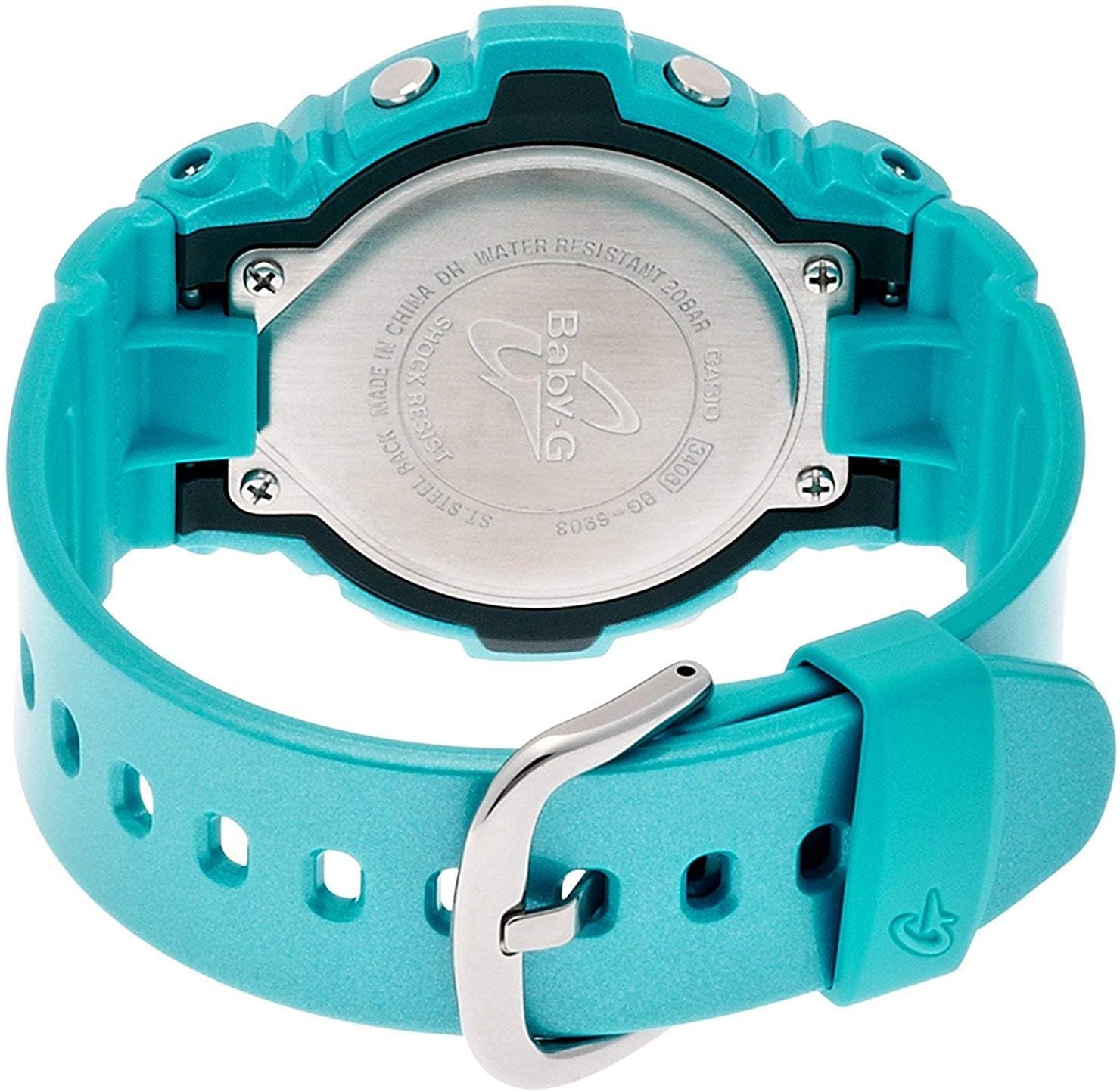
Your Casio Baby-G BG-6903-2ER watch is water resistant to 200 meters (20 bar). This means it is suitable for swimming, showering, and snorkeling. However, avoid operating buttons while the watch is submerged in water or wet, as this can compromise the water resistance. Do not expose the watch to hot water or steam, as this can also affect the seals.

תמונה 4.1: אחורי view of the Casio Baby-G BG-6903-2ER watch, showing the stainless steel case back with "WATER RESISTANT 20BAR" and "SHOCK RESIST" engravings.
4.3 החלפת סוללה
The watch is powered by a product-specific battery. When the display becomes dim or functions become erratic, it may be time for a battery replacement. It is recommended to have the battery replaced by an authorized Casio service center to ensure proper sealing and maintain water resistance.
5. פתרון תקלות
5.1 בעיות ופתרונות נפוצים
- Blank Display or Dim Digits: ייתכן שהסוללה חלשה. שקול להחליף אותה.
- שעה/תאריך שגויים: Re-adjust the time and date settings as described in Section 2.2. Ensure the correct city code and DST setting are selected.
- כפתורים לא מגיבים: Ensure the watch is not in a locked mode (if applicable, though this model typically does not have a button lock). If the issue persists, a battery issue or internal malfunction may be present.
- Condensation Inside Display: If condensation appears and does not clear within a short period, the watch's water resistance may be compromised. Avoid further water exposure and seek professional inspection immediately.
עבור בעיות שלא מכוסות כאן, אנא צרו קשר עם תמיכת הלקוחות של Casio.
6. מפרטים
| מותג | קאסיו |
| מספר דגם | BG-6903-2ER |
| סוג תצוגה | דִיגִיטָלי |
| תְנוּעָה | קְוָרץ |
| חומר מארז | שְׂרָף |
| חומר רצועה | שְׂרָף |
| קוטר המארז | 45 מילימטרים |
| עובי המארז | 14 מילימטרים |
| רוחב פס | 18 מילימטרים |
| משקל פריט | 47 גרם |
| עומק עמידות למים | 200 Meters (20 Bar) |
| סוֹלְלָה | סוללה אחת ספציפית למוצר (כלול) |
| תכונות נוספות | Shock Resistant, Stopwatch, Timer, Alarm, World Time, Backlight |
7. אחריות
This Casio watch is covered by a manufacturer's warranty. The specific terms and duration of the warranty may vary by region. Please refer to the warranty card included with your purchase for detailed information regarding coverage, limitations, and how to make a claim. Keep your proof of purchase for warranty service.
8. תמיכה
For further assistance, technical support, or service inquiries regarding your Casio Baby-G BG-6903-2ER watch, please visit the official Casio website or contact their customer service department in your region. Contact information can typically be found on the Casio webבאתר או בתיעוד המצורף לשעון שלך.