
1. הקדמה
This manual provides instructions for the installation, operation, and maintenance of the Emerson F145RF-1600 Wireless Remote Temperature Sensor. This sensor is designed to work with the Emerson BLUE Wireless Easy Install Universal Wireless Thermostat System to enhance temperature control and reduce hot and cold spots within your home.
תכונות עיקריות:
- Reduces temperature inconsistencies in various areas.
- Supports up to four wireless remote sensors with the Emerson BLUE Wireless Easy Install Thermostat System.
- Designed for easy installation and pairing.
2. מידע בטיחות
Please read and understand all instructions before installing or operating this device. Failure to follow these instructions could result in property damage or personal injury.
- Always turn off power to the thermostat system before performing any installation or maintenance.
- Do not expose the sensor to extreme temperatures, direct sunlight, or moisture.
- השתמשו רק בסוג הסוללה שצוין (2 סוללות AA).
- השלך סוללות ישנות באחריות בהתאם לתקנות המקומיות.
- הרחק מהישג ידם של ילדים.
אזהרה לפי הצעה 65: מוצר זה עשוי להכיל כימיקלים הידועים למדינת קליפורניה כגורמים לסרטן ומומים מולדים או נזקים אחרים למערכת הרבייה.
3. המוצר נגמרview
The Emerson F145RF-1600 is a compact, battery-powered wireless sensor designed to monitor ambient temperature. It communicates wirelessly with a compatible Emerson BLUE thermostat system.
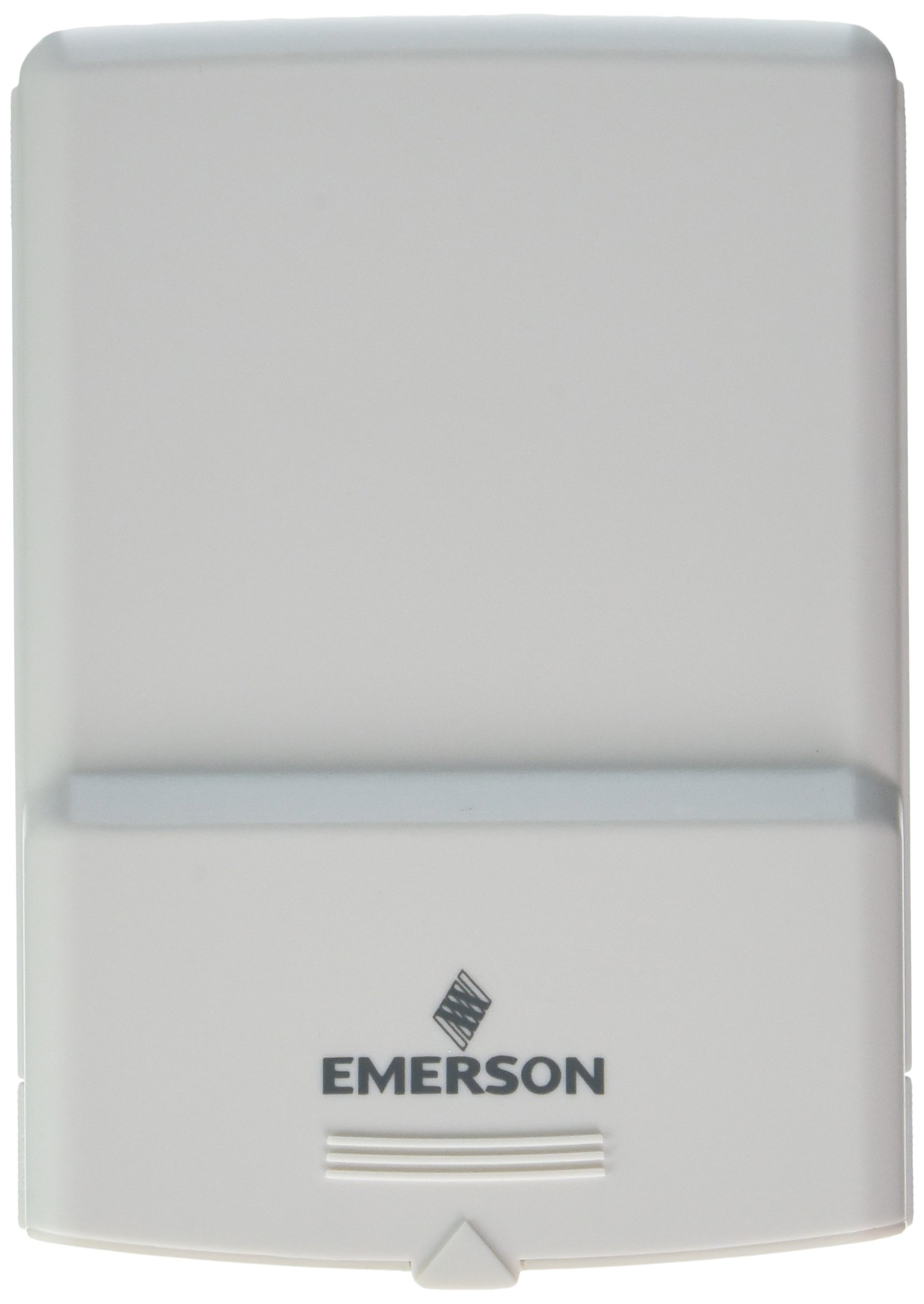
איור 1: Emerson F145RF-1600 Wireless Remote Temperature Sensor. The image displays the sensor in a hand, indicating its approximate height of 4.8 inches (12 cm). The sensor is light-colored, likely white or light grey, with the 'EMERSON' logo visible at the bottom front.
4. התקנה
4.1. התקנת סוללה
- אתר את תא הסוללה בגב החיישן.
- פתח את מכסה תא הסוללות.
- הכניסו שתי (2) סוללות אלקליין AA, תוך הקפדה על קוטביות נכונה (+/-).
- סגור היטב את מכסה תא הסוללות.
4.2. Pairing with Thermostat System
Refer to your Emerson BLUE Wireless Easy Install Universal Wireless Thermostat System manual for detailed pairing instructions. Generally, the process involves:
- Placing the thermostat system into pairing mode.
- Activating the sensor's pairing function (often a button press or battery insertion).
- Confirming successful pairing on the thermostat display.
Up to four F145RF-1600 sensors can be paired with a single Emerson BLUE Wireless Easy Install system.
4.3. מיקום חיישן
Proper placement is crucial for accurate temperature readings and effective system operation.
- מיקום פנימי:
- Place the sensor in a central location within the area you wish to monitor.
- Avoid placing near heat sources (lamps, appliances, direct sunlight) or cold drafts (windows, vents).
- Ensure it is not obstructed by furniture or curtains.
- Outdoor Placement (if applicable):
- Mount the sensor in a shaded area, away from direct sunlight, which can cause inaccurate readings.
- Protect it from direct rain and snow.
- Ensure it is easily accessible for battery replacement.
5. הוראות הפעלה
Once successfully paired and placed, the F145RF-1600 sensor will automatically transmit temperature data to your Emerson BLUE Wireless Easy Install Thermostat System. The thermostat system will then use this data to optimize heating and cooling, helping to maintain a more consistent temperature throughout your home.
- The sensor operates continuously, sending updates to the main thermostat.
- The thermostat system will display the temperature readings from the remote sensors and use them for its control logic.
- No direct user interaction is typically required with the sensor after setup, other than battery replacement.
6. תחזוקה
6.1. החלפת סוללה
The sensor requires two (2) AA batteries. When batteries are low, your Emerson BLUE thermostat system may indicate a low battery warning for the sensor. Replace batteries promptly to ensure continuous operation.
- פתח את תא הסוללות.
- הסר סוללות ישנות.
- Insert new AA batteries, observing polarity.
- סגור את התא.
6.2. ניקיון
Wipe the sensor's exterior with a soft, dry cloth as needed. Do not use liquid cleaners or abrasive materials, as these can damage the device.
7. פתרון תקלות
| בְּעָיָה | סיבה אפשרית | פִּתָרוֹן |
|---|---|---|
| Sensor not reporting temperature / No signal |
|
|
| קריאת טמפרטורה לא מדויקת |
|
|
8. מפרטים
| מספר דגם | F145RF-1600 |
| יַצרָן | וייט-רוג'רס (אמרסון) |
| מקור כוח | מופעל על סוללה |
| סוללות נדרשות | 2 סוללות AA |
| משקל פריט | 3.2 אונקיות |
| מידות המוצר | 3.5 x 2.5 x 5.25 אינץ' |
| חוֹמֶר | פּלָסטִי |
| צֶבַע | כחול (Note: Product image shows light grey/white) |
| כמות חבילה של פריט | 1 |
9. מידע על אחריות
Specific warranty details for the Emerson F145RF-1600 Wireless Remote Temperature Sensor are typically provided with the product packaging or can be found on the official Emerson/White-Rodgers webאתר. אנא שמור את הוכחת הרכישה שלך לצורך תביעות אחריות.
לתנאי האחריות המפורטים, אנא בקרו באתר פקיד אמרסון webאֲתַר או צרו קשר עם תמיכת הלקוחות.
10. תמיכה
If you encounter issues not covered in this manual or require further assistance, please contact Emerson customer support.
- תמיכה מקוונת: בקר ב Emerson Support Page for FAQs, documentation, and contact options.
- תמיכה טלפונית: Refer to your product packaging or the Emerson webאתר למספרי הטלפון העדכניים ביותר של שירות הלקוחות.