
1. הקדמה
Thank you for choosing the Casio G-Shock PRG-100 watch. This manual provides essential information regarding the setup, operation, and maintenance of your new timepiece. The PRG-100 is a robust digital watch featuring a quartz movement, alarm functionality, and a durable resin band, designed for reliability and performance.
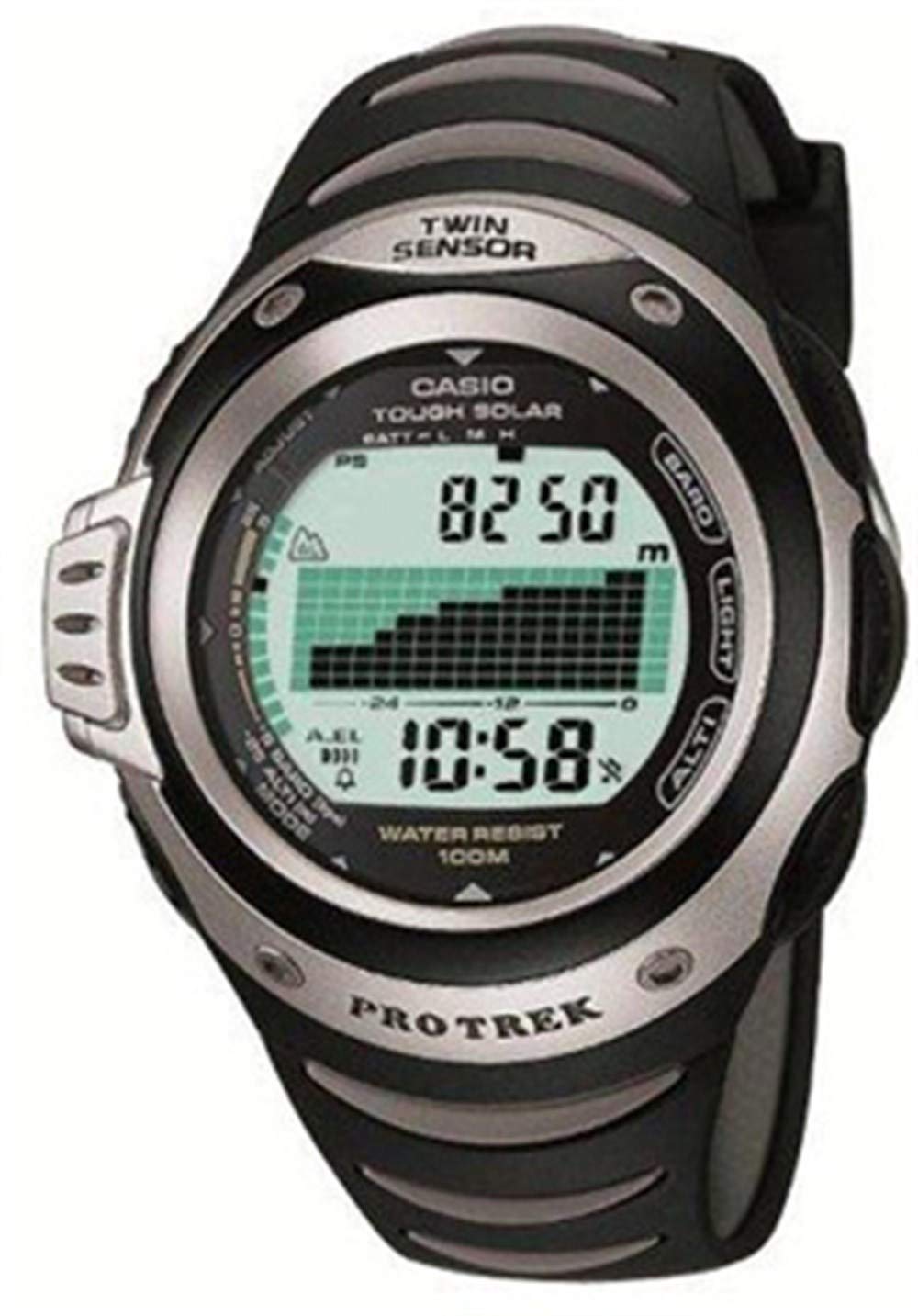
איור 1: חֲזִית view of the Casio G-Shock PRG-100 watch. This image shows the digital display and the overall design of the watch face.
2. התקנה
2.1 הגדרת זמן ותאריך ראשוניים
- לחץ והחזק את לְהַתְאִים (בדרך כלל בצד שמאל למעלה) עד שקוד העיר יתחיל להבהב.
- השתמש ב- MODE button (bottom-left) to cycle through the settings: City Code → DST (Daylight Saving Time) → 12/24-hour format → Seconds → Hour → Minute → Year → Month → Day.
- השתמש ב- קָדִימָה (ימין למעלה) ו לַהֲפוֹך (bottom-right) buttons to change the flashing value.
- לאחר שכל ההגדרות נכונות, לחצו על הלחצן לְהַתְאִים לחצן שוב כדי לצאת ממצב ההגדרה.
2.2 הגדרת אזעקה
- ממצב שמירת זמן, לחצו על הלחצן MODE button until you reach the Alarm Mode (indicated by "AL" or an alarm icon).
- לחץ והחזק את לְהַתְאִים עד שזמן האזעקה יתחיל להבהב.
- השתמש ב- MODE כפתור כדי לבחור בין הגדרות שעה לדקות.
- השתמש ב- קָדִימָה ו לַהֲפוֹך כפתורים כדי להגדיר את זמן ההתראה הרצוי.
- הקש על לְהַתְאִים לחצן כדי לאשר ולצאת.
- כדי להפעיל/לכבות את האזעקה, לחצו על קָדִימָה button while in Alarm Mode (without holding ADJUST).
3. הפעלה
3.1 ניווט במצב
Your PRG-100 watch features several modes. Press the MODE button (bottom-left) to cycle through them in the following order:
- Timekeeping Mode (current time and date)
- מצב אזעקה (הגדרה והפעלה של אזעקות)
- מצב סטופר (מדידת זמן שחלף)
- Timer Mode (countdown timer)
- World Time Mode (view time in different cities)
- Note: Specific modes may vary slightly based on the exact module. Refer to the full module manual for advanced features.
3.2 שימוש בשעון העצר
- נווט למצב שעון עצר באמצעות MODE לַחְצָן.
- הקש על קָדִימָה button (top-right) to start the stopwatch.
- הקש על קָדִימָה לחצן שוב כדי לעצור את שעון העצר.
- הקש על לַהֲפוֹך button (bottom-right) to reset the stopwatch to zero.
3.3 פונקציית תאורה אחורית
כדי להאיר את הצג בתנאי תאורה חלשים, לחצו על אוֹר button (usually top-right or front-center). The backlight duration may be adjustable in settings.
4. תחזוקה
4.1 ניקוי השעון
נגבו את השעון באופן קבוע עם מטלית רכה ויבשה כדי להסיר לכלוך ולחות. עבור לכלוך עיקש, נגבו מעטamp cloth with mild soap can be used, followed by thorough drying. Avoid using harsh chemicals or abrasive cleaners.
4.2 טיפול בסוללה
The PRG-100 is powered by a battery. When the display becomes dim or functions become unreliable, it may be time for a battery replacement. It is recommended to have the battery replaced by an authorized Casio service center to ensure proper sealing and water resistance.
4.3 עמידות במים
Your G-Shock watch is designed with a high level of water resistance. However, avoid operating buttons while the watch is submerged in water. After exposure to saltwater, rinse the watch with fresh water and wipe it dry. Do not expose the watch to extreme temperature changes.
5. פתרון תקלות
- התצוגה ריקה או עמומה: ייתכן שהסוללה חלשה או ריקה. שקול להחליף את הסוללה.
- הזמן אינו נכון: Re-adjust the time and date settings as described in Section 2.1. Ensure the correct city code and DST setting are selected.
- הכפתורים אינם מגיבים: Ensure the watch is not in a locked mode (if applicable). If submerged, dry the watch thoroughly. If the issue persists, a service check may be required.
- האזעקה לא נשמעת: Check if the alarm is enabled in Alarm Mode (Section 2.2). Ensure the volume is not set to mute (if applicable).
If you encounter issues not covered here, please contact Casio customer support or an authorized service center.
6. מפרטים
| תכונה | פְּרָט |
|---|---|
| מותג | קאסיו |
| שם הדגם | PRG-100 |
| מספר דגם | PRG-100 |
| פורמט תצוגה | דִיגִיטָלי |
| סוג תנועה | קְוָרץ |
| תכונות מיוחדות | אַזעָקָה |
| מקור כוח | סוֹלְלָה |
| סִגְנוֹן | רְצוּעָה |
| צוּרָה | עִגוּל |
| צבע להקה | שָׁחוֹר |
| חומר להקה | שְׂרָף |
| קוטר המארז | 41 מילימטרים |
| ASIN | B000JS57EC |
| מספר חלק של היצרן | PRG-100-1AVDR_WW |
7. אחריות ותמיכה
Your Casio G-Shock PRG-100 watch is covered by a manufacturer's warranty. For specific warranty terms and conditions, please refer to the warranty card included with your purchase or visit the official Casio webאֲתַר.
For further assistance, technical support, or service inquiries, please contact Casio customer service through their official website or an authorized service center in your region.
